2.
Click Save .3.
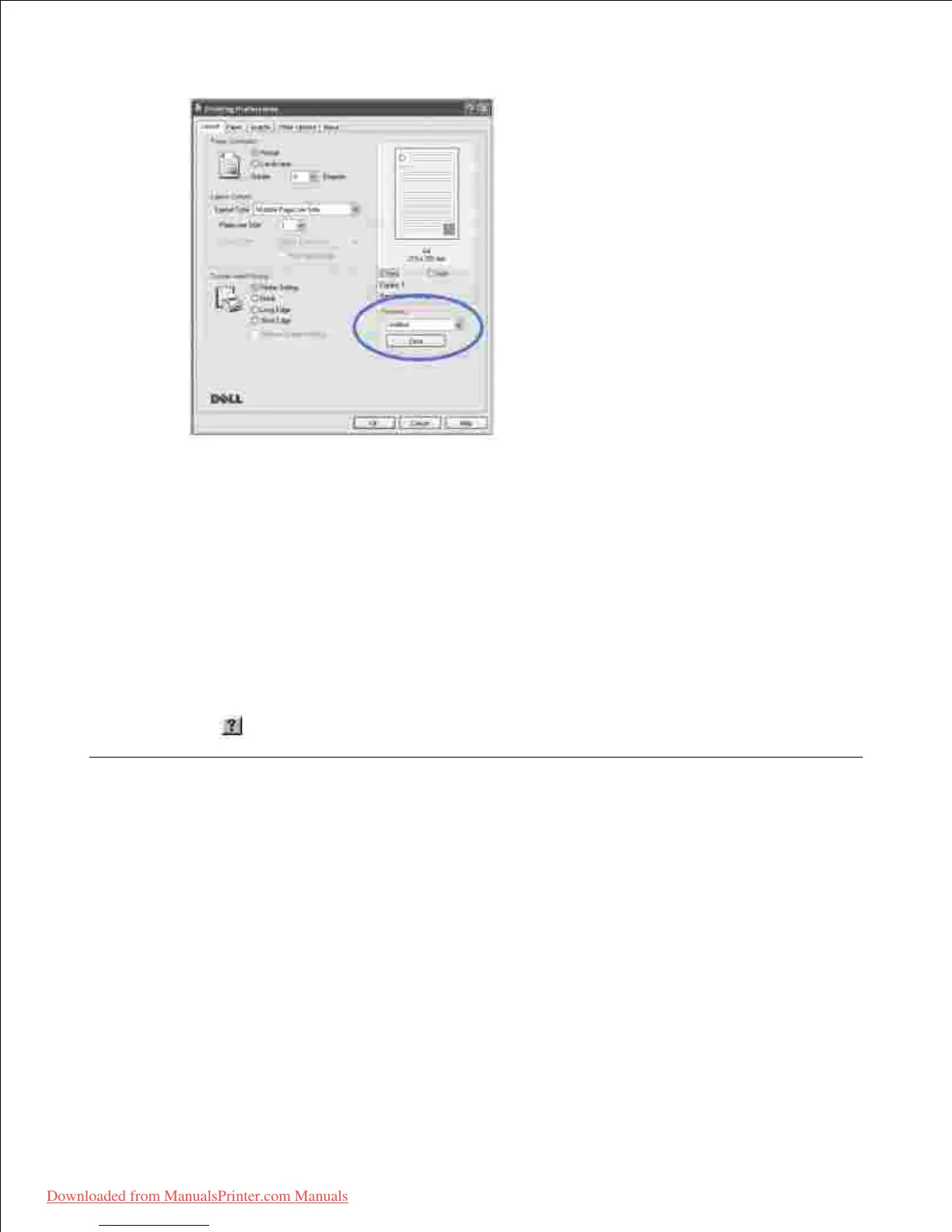
To use a saved setting, select it from the Favorites drop-down list.
To delete a favorite setting item, select it from the list and click Delete .
You can also restore the printer driver's default settings by selecting Printer Default from the list.
Using Help
Your printer has a help screen that can be activated by the Help button in the printer's properties window.
These help screens give detailed information about the printer features provided by the printer driver.
You can also click from the upper right hand corner, and then click on any setting.
Printing Multiple Pages on One Sheet of the Paper













 To Next Page