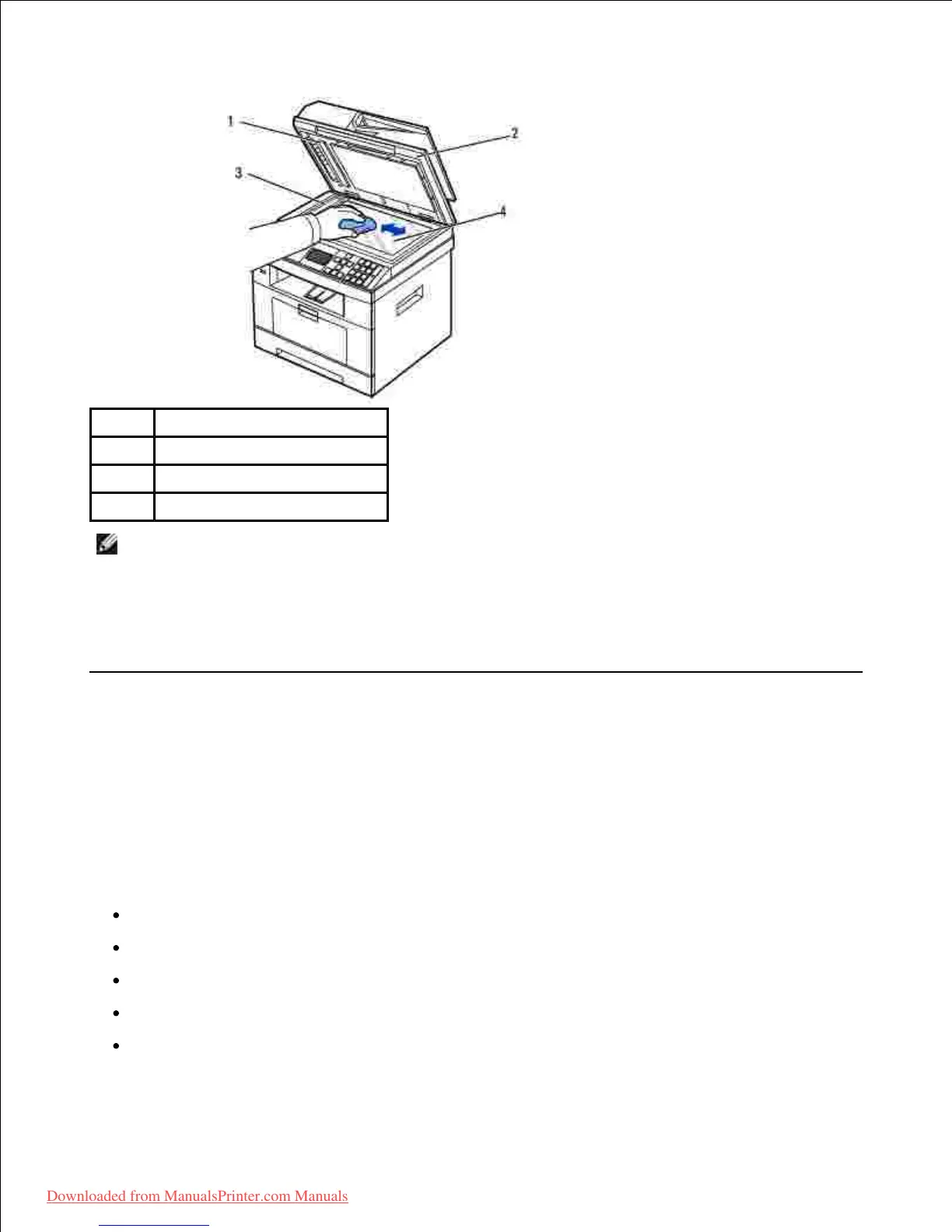
NOTE: Documents are moved across the DADF glass. As a result, the DADF glass may need special
attention to remove built-up residue.
Wipe the underside of the white document cover and white sheet until it is clean and dry.4.
Close the document cover.5.
Maintaining the Toner Cartridge
Storing the Toner Cartridge
Store the toner cartridge in the original packaging until you are ready to install it.
Do not store the toner cartridge in:
Temperatures greater than 40° C (104° F)
An environment with extreme changes in humidity or temperature
Direct sunlight
Dusty places
A car for a long period of time













 To Next Page