Click the Network(IPv4) section and select the network environment from the drop-down list.
Your can select Configure Network and Print Network Configuration Page .
Firmware Update Utility
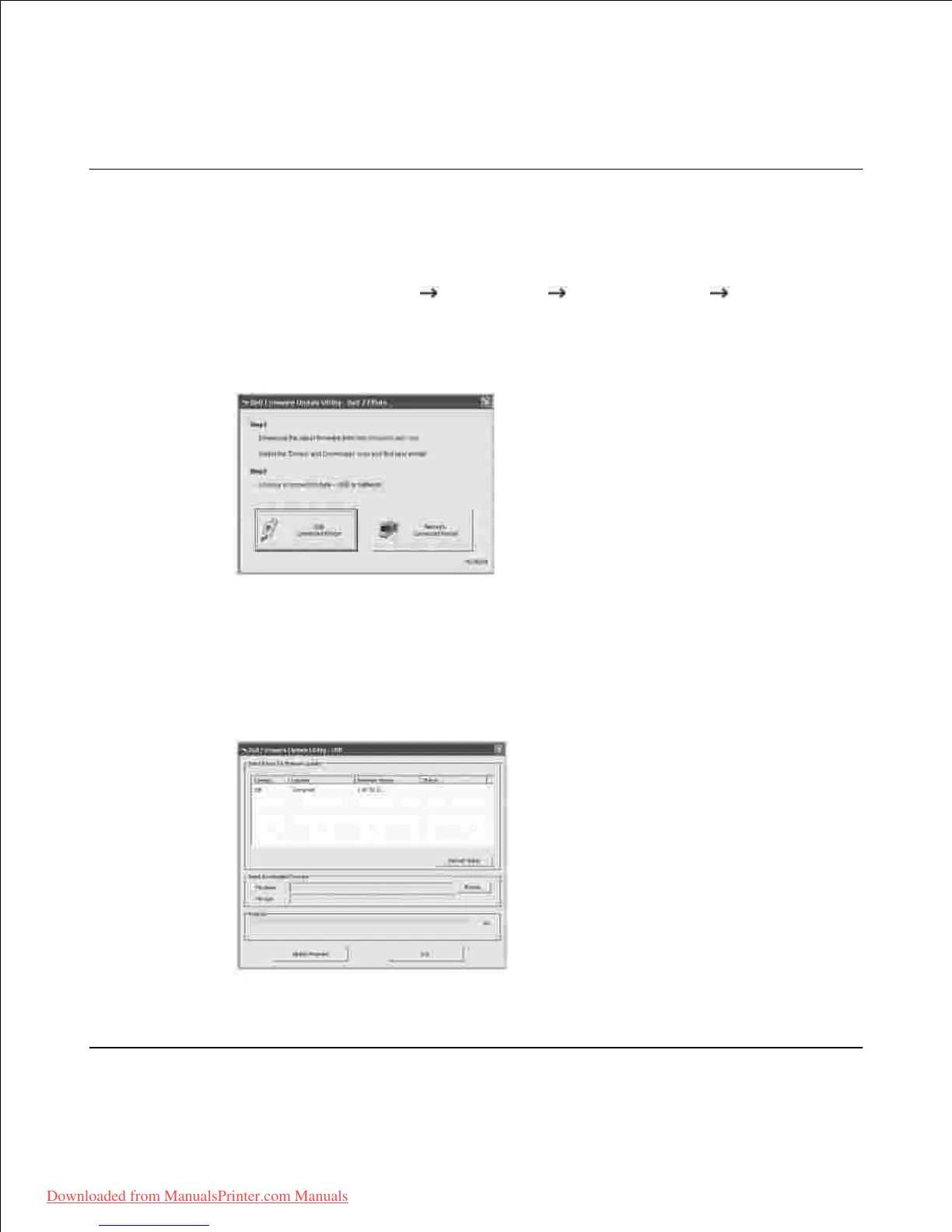
You can machine firmware update using Firmware Update Utility .
From the Start menu, select Programs Dell Printers Dell 2335dn MFP Firmware
Update Utility .
1.
Download the latest firmware. Click http://support.dell.com .2.
If your printer is connected with an USB cable, click USB Connected Printer .3.
Or if your printer is connected with a network cable, click Network Connected Printer .
Click Browse and select downloaded firmware file.4.
Click Update Firmware .5.













 To Next Page