Set the paper type and size. For more information, see "Setting the Paper Type" and "Setting the Paper
Size" .
9.
Making Connections
Connecting the Telephone Line
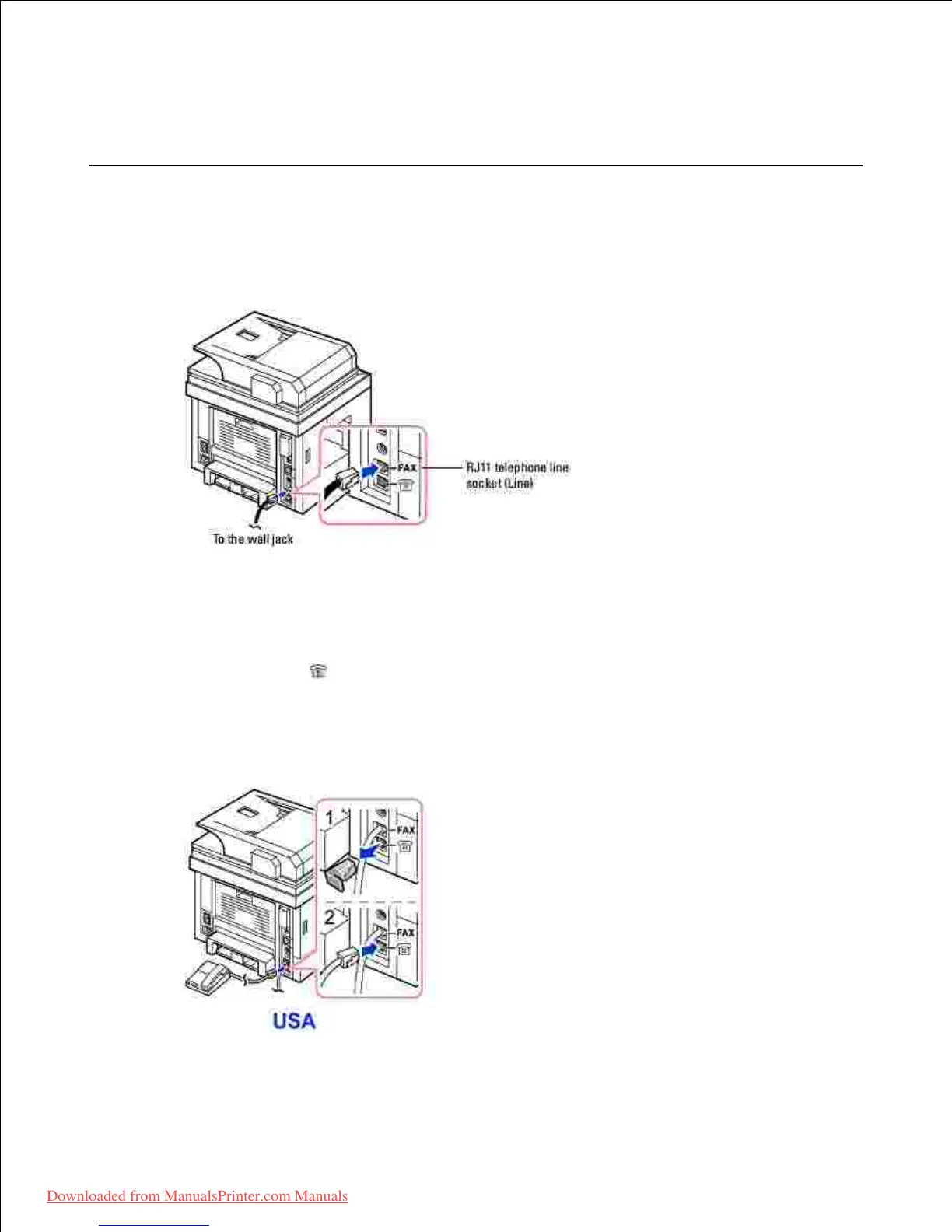
Plug one end of a telephone line cord into the RJ11 telephone line socket (FAX) and the other end into
an active wall jack.
1.
To connect a telephone and/or answering machine to your printer, remove the plug from the extension
telephone socket (EXT) ( ) and plug the telephone or answering machine into the extension
telephone socket (EXT).
Alternative setup of Fax connected to a wall socket and a external phone or Telephone answering
device (TAD).
2.













 To Next Page