NOTE: If you press the Cancel ( ) button or if no buttons are pressed for about 30 seconds,
the printer cancels the copy job and returns to Standby mode.
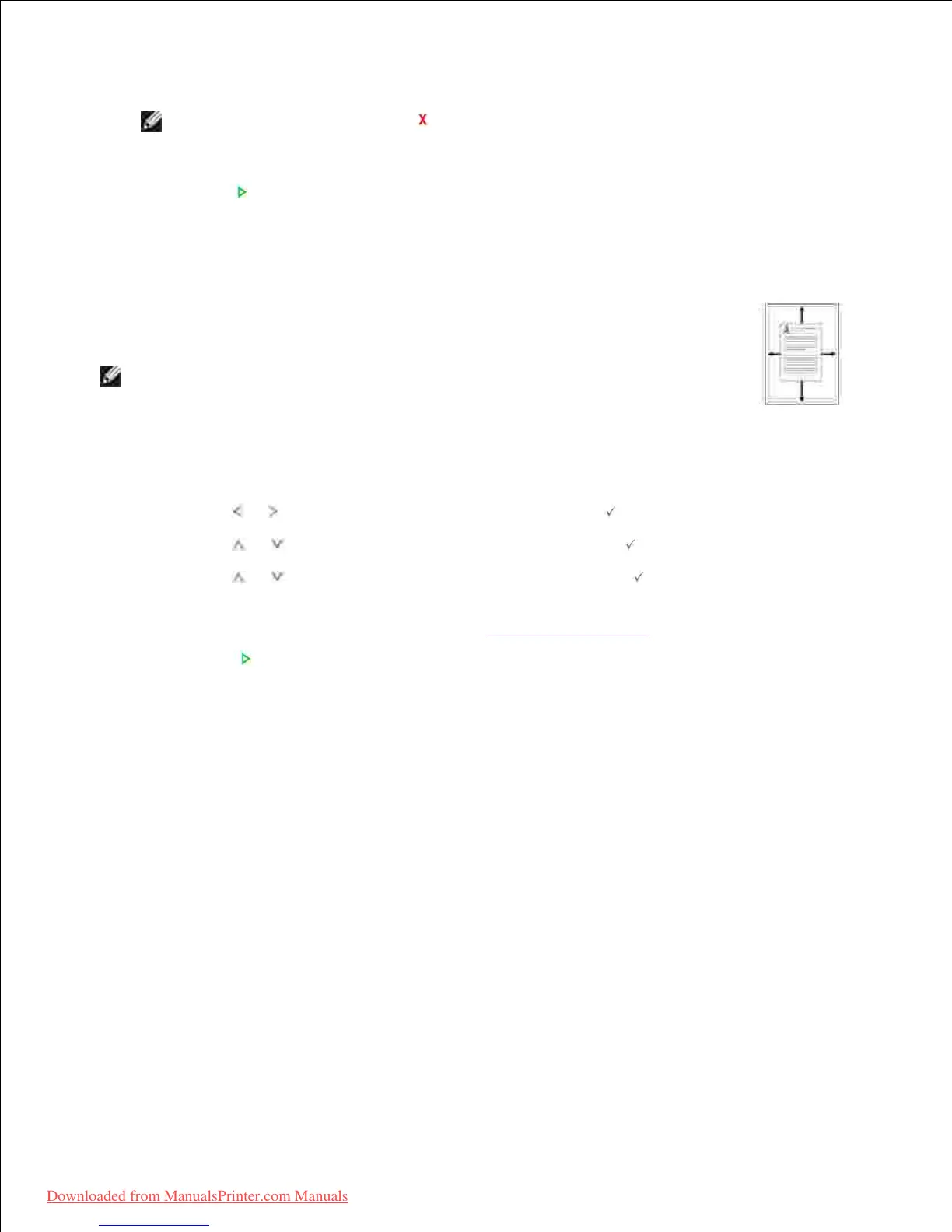
This special copy mode can be applied when you load a document using only the
document glass. If a document is detected in the DADF, the Auto Fit does not work.
To make the Auto Fit copying:
Load the document to be copied on the document glass, and close the document
cover.
1.
Press Scroll ( or ) to highlight Copy and then press Select ( ).2.
Press Scroll ( or ) to highlight Layout and then press Select ( ).3.
Press Scroll ( or ) to highlight Auto Fit and then press Select ( ).4.
If necessary, customize the copy settings including the number of copies, contrast,
and image quality by using the Copy menus. See "Setting Copy Options".
5.
Press Start ( ) to begin copying.6.













 To Next Page