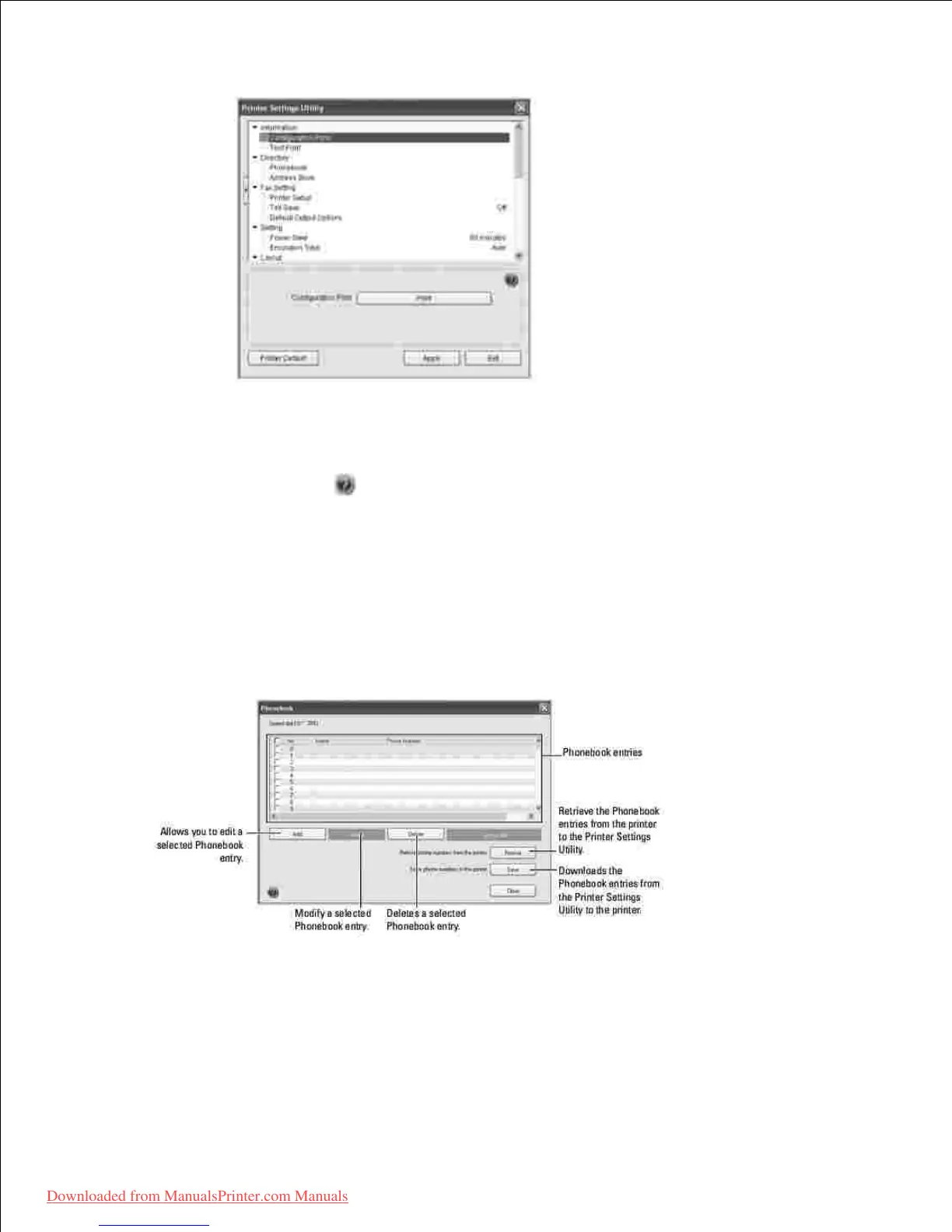
The Printer Settings Utility window provides several features; Directory (Phonebook , Address
Book ), Fax Setting , and Setting .
2.
For further details, click the button.
To use the default settings, click the Printer Default button.
To exit, click the Exit button at the bottom of the window.
The Directory Section
Click the Phonebook or Address Book section and the Setting button to create and edit Phonebook or
Emailbook entries.
The Fax Setting Section
Click each items underFax Setting to setup the fax configuration. The printer setup contains the printer ID
and printer fax number. Your can select Printger Setup , Toll Save , and Default Output Options .













 To Next Page