4.
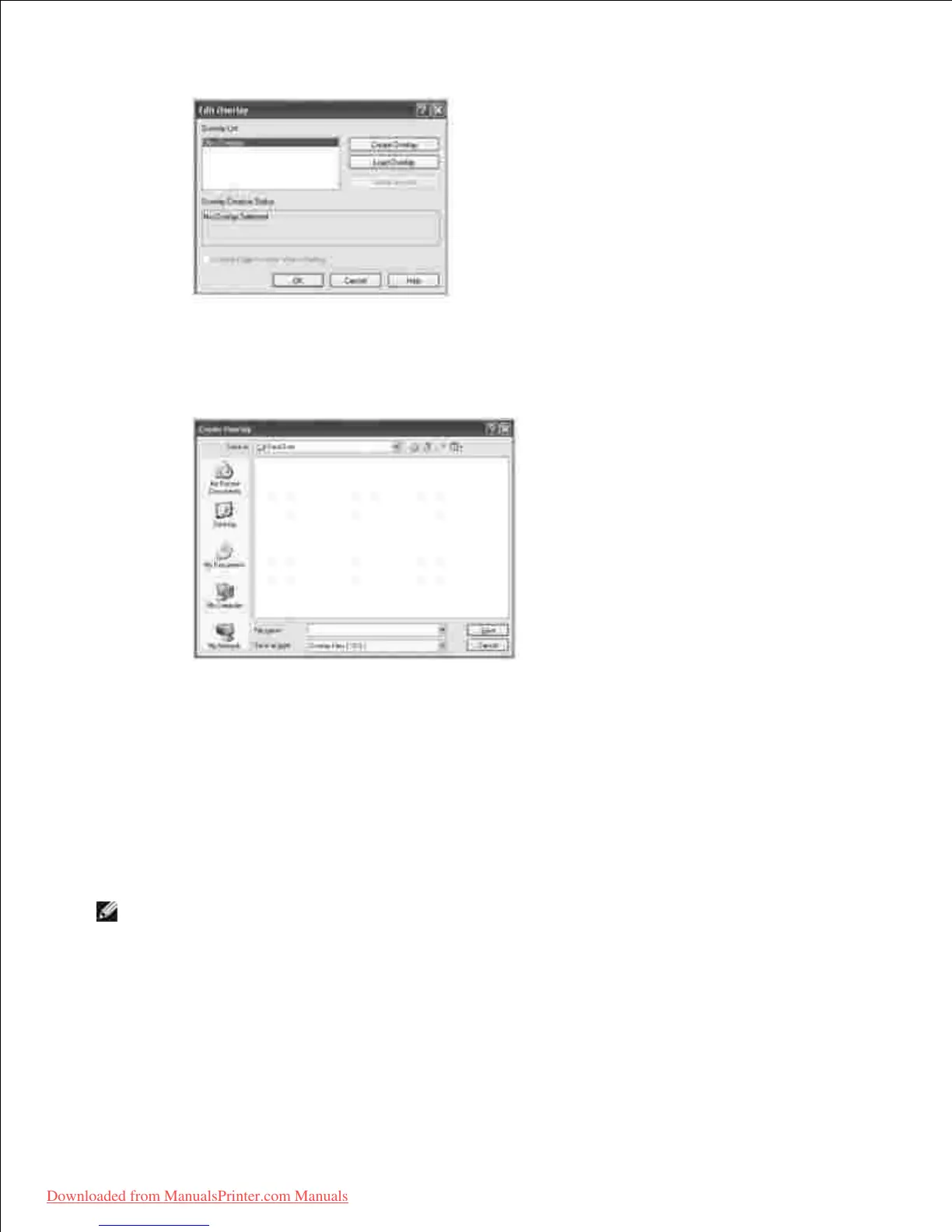
In the Create Overlay window, type a name of up to eight characters in the File
name box. Select the destination path, if necessary. (The default is C:\FormOver
).
5.
Click Save . You can see the name in the Overlay List .6.
Click OK or Yes until you complete creating.7.
The file is not printed out; it is stored in your computer.
Using a Page Overlay
After an overlay has been created, it is ready to be printed with your document. To print an overlay with a
document:
NOTE: The resolution of the overlay must be the same as the resolution of the document that will
print with the overlay.
Create or open the document you want to print.1.
When you change the print settings from your software application, access the printer properties.2.
Click the Other Options tab.3.
4.
5.
Downloaded from ManualsPrinter.com Manuals













 To Next Page