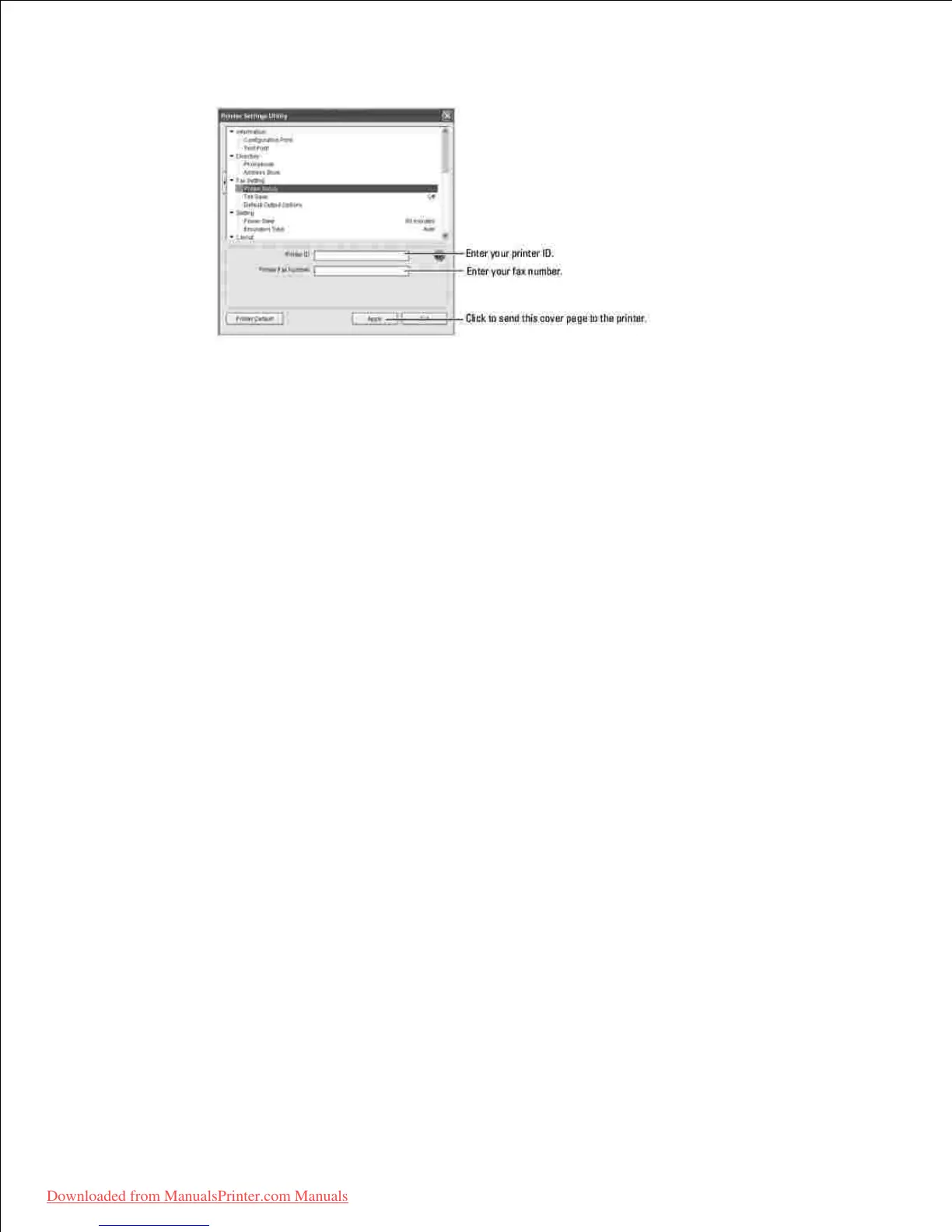
.
The Setting Section
Click the Setting section and select the power save from the drop-down list.
Your can select Power Save and Emulation Type .
The Layout Section
Click the Layout section and select the orientation from the drop-down list.
Your can select Orientation , Duplex , and Duplex Margin .
The Paper Option Section
Click the Paper Option section and select the basic paper handling specifications from the drop-down list.
Your can select Copies , Paper Size , Paper Type , Paper Source , and Tray Linking .
The Graphic Section
Click the Graphic section and select the degree of darkness from the drop-down list.
Your can select Darkness .
The Emulation Section
Click the Emulation section and select the emulation from the drop-down list. Also you can add additional
fonts.
Your can select Emulation Setting .
If you want additional PCL or PS font, select Store PCL Font and Macro in Emulation Setting .
The Network(IPv4) Section













 To Next Page