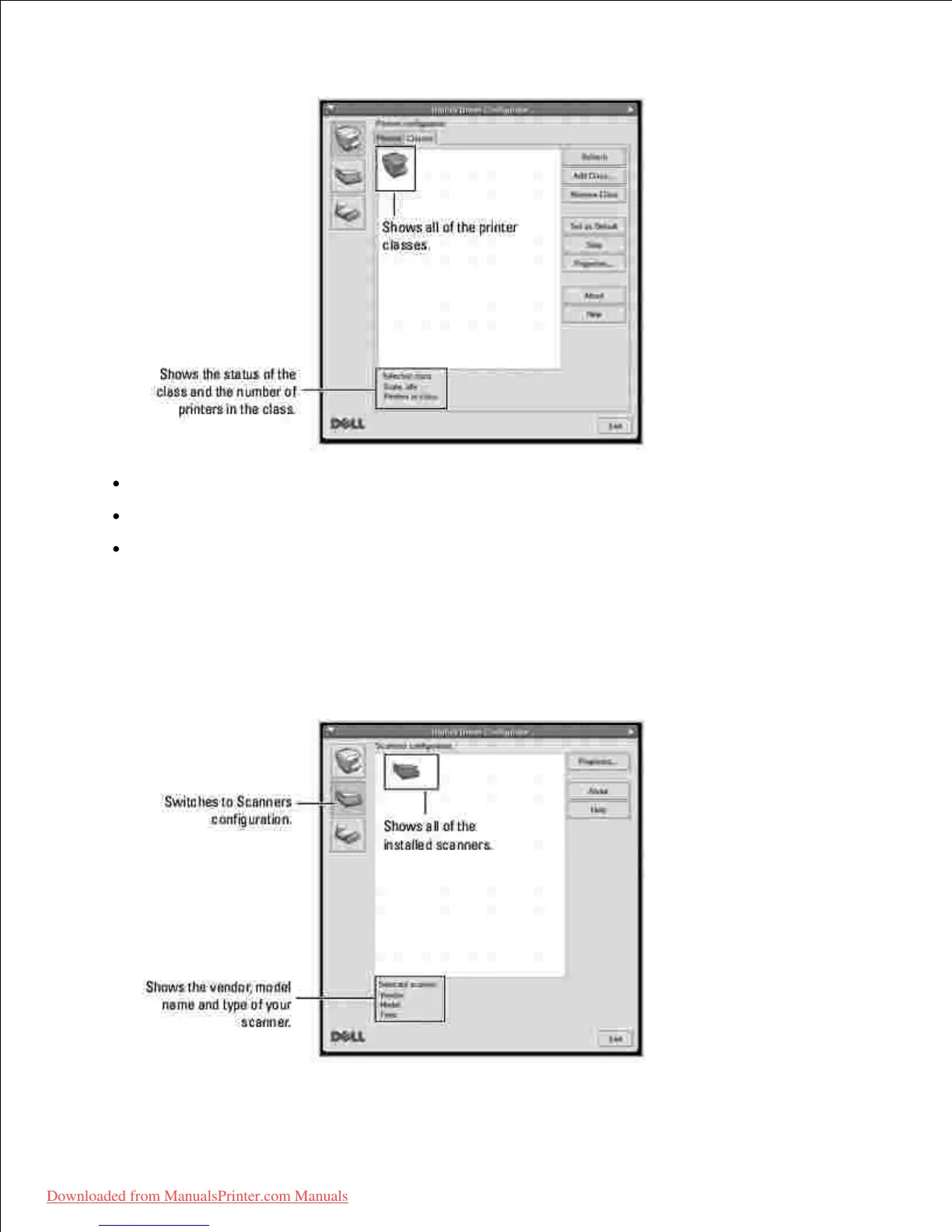
Refresh: Renews the classes list.
Add Class...: Allows you to add a new printer class.
Remove Class: Removes the selected printer class.
Scanners Configuration
In this window, you can monitor the activity of scanner devices, view a list of installed Dell MFP devices,
change device properties, and scan images.













 To Next Page