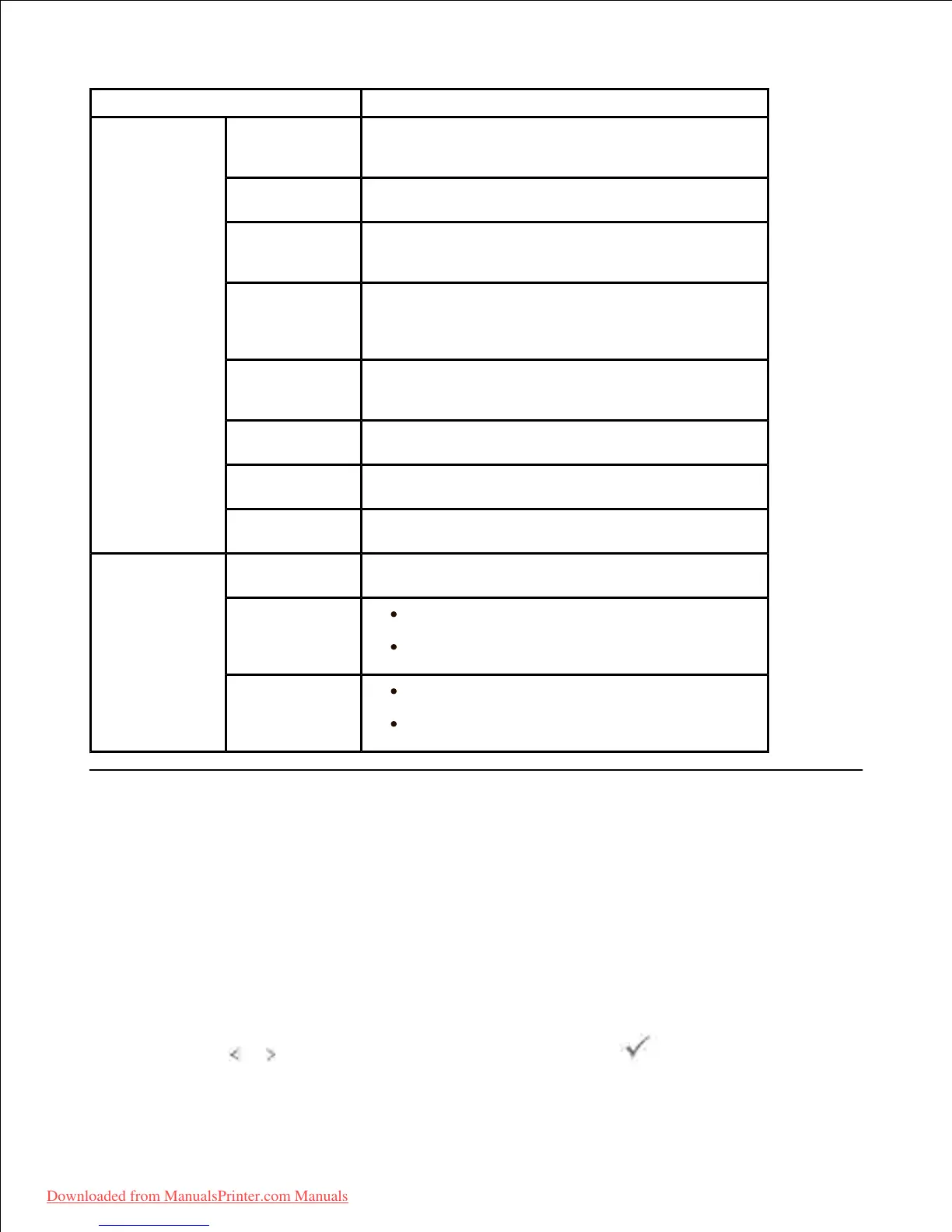
Sets the IP address or Host name.
Sets the primary SMTP gateway.
Specifies the authentication method for outgoing
e-mail.
Specifies the SMTP login user. Up to 63
alphanumeric characters, periods, hyphens, under bars,
and at symbols (@) can be used. If specifying more
than one address, separate them using commas.
Primary
SMTP Account
Password
Specifies the SMTP account password up to 31
alphanumeric characters.
Sender's e-mail address registered in the Primary
server.
Sets the timeout period from 30 to 120 seconds.
Designates the reply e-mail address sent with
each E-mail Alert.
Sets acceptable e-mail addresses for the E-Mail
Alert feature up to 255 alphanumeric characters.
Supply Alert : Select the check box to
receive an E-Mail Alert for consumables.
Paper Handling Alert : Select the check
box to receive an E-Mail Alert for paper handling.
Supply Alert : Select the check box to
receive an E-Mail Alert for consumables.
Paper Handling Alert : Select the check
box to receive an E-Mail Alert for paper handling.
Scanning and Sending an Email
Ensure that your printer is connected to a network.1.
Load the document(s) face up with top edge in first into the DADF.2.
OR
Place a single document face down on the document glass.
For details about loading a document, see "Loading an Original Document" .
Press Scroll ( or ) to highlight Scan and then press Select ( ).3.
4.
Downloaded from ManualsPrinter.com Manuals













 To Next Page