Close the DADF inner cover and the DADF cover. Then load the documents back into the DADF.d.
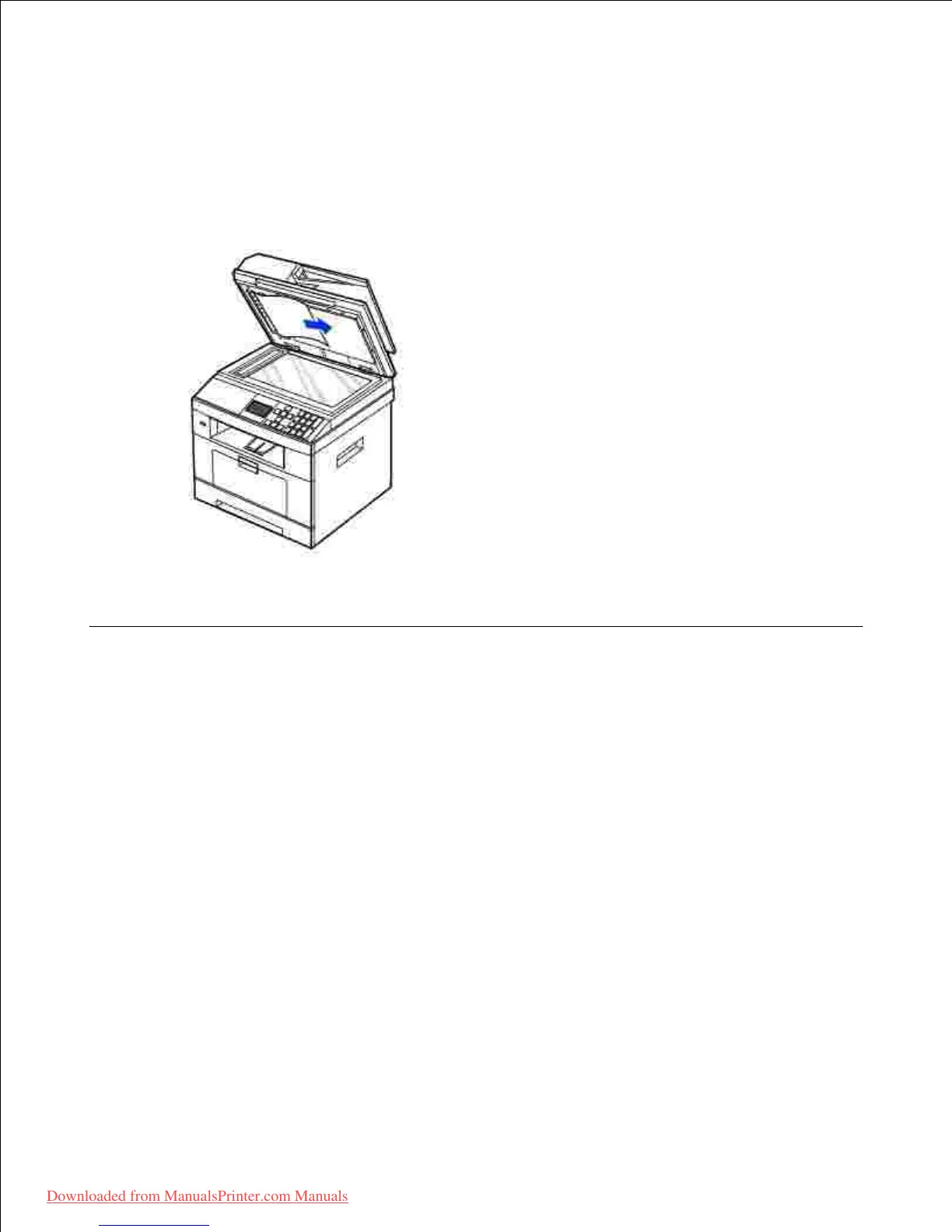
If you cannot see the paper or cannot pull the jammed paper out, open the document cover.2.
Remove the document from the feed area by carefully pulling it gently to the right.3.
Close the document cover. Then load the documents back into the DADF.4.
Clearing Jams in the Paper Tray
When a paper jam occurs, Paper Jam appears on the display. Refer to the table below to locate and clear
the paper jam.













 To Next Page