Clearing Jams in the DADF
Clearing Jams in the Paper Tray
Clearing LCD Error Messages
Clearing Jams in the DADF
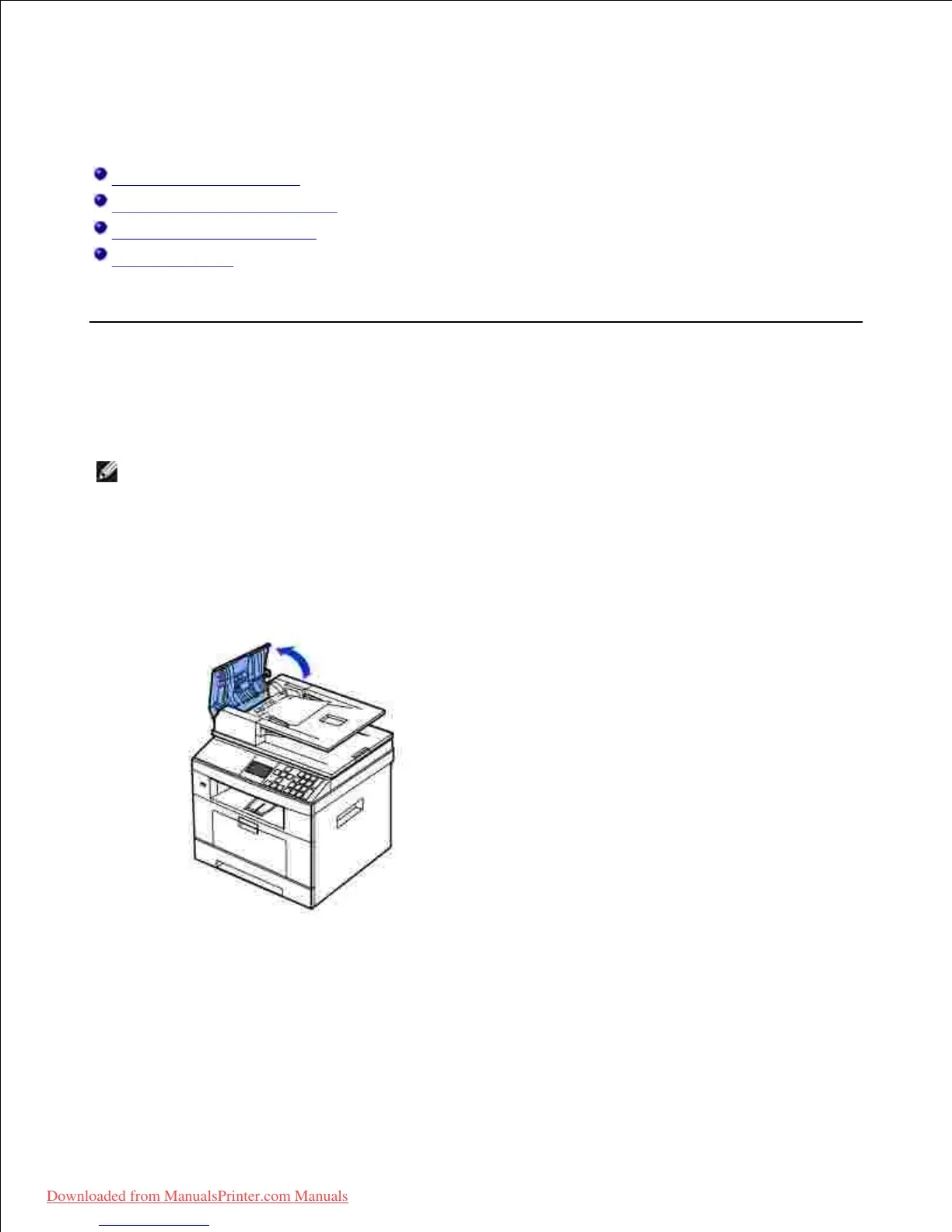
When a document jams while it passes through the DADF, Document Jam appears on the display.
NOTE: To prevent document jams, use the document glass for thick, thin or mixed documents.
Remove the remaining documents from the DADF.1.
If the document is jammed in the paper feed area:
Open the DADF cover.a.
Remove the document by gently pulling it out.b.
Downloaded from ManualsPrinter.com Manuals













 To Next Page