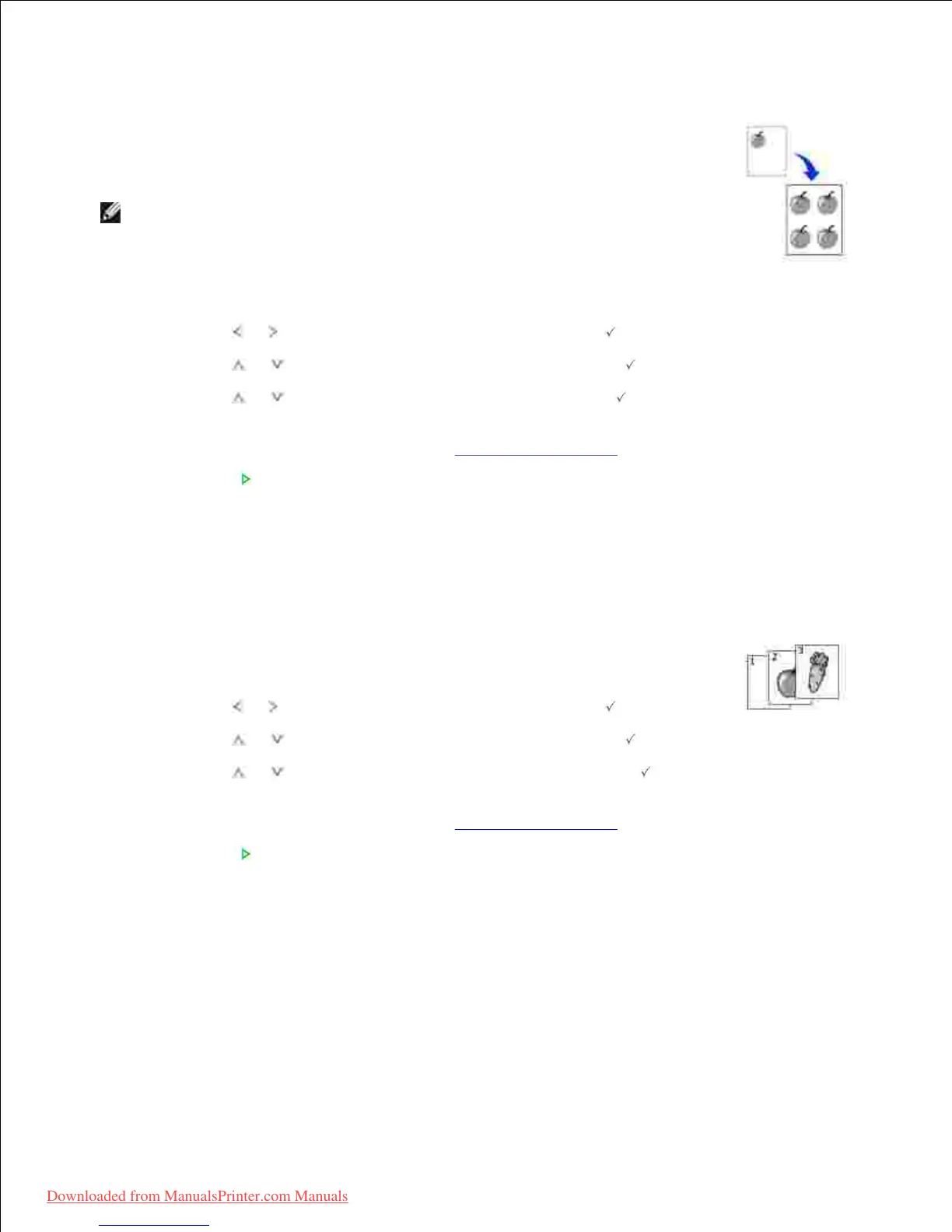
This special copy mode can be applied when you load a document using only the
document glass. If a document is detected on the DADF, the Clone copying feature does
not work.
NOTE: You cannot adjust the copy size using the Zoom menu while making a
clone copy.
To make the Clone copying:
Load the document to be copied on the document glass, and close the cover.1.
Press Scroll ( or ) to highlight Copy and then press Select ( ).2.
Press Scroll ( or ) to highlight Layout and then press Select ( ).3.
Press Scroll ( or ) to highlight Clone and then press Select ( ).4.
If necessary, customize the copy settings including number of copies, contrast, and
image quality by using the Copy menus. See "Setting Copy Options".
5.
Press Start ( ) to begin copying.6.
Deciding the form of copy output
This special copy mode can be applied when you load a document using only the DADF.
Load the document to be copied in the DADF.1.
Press Scroll ( or ) to highlight Copy and then press Select ( ).2.
Press Scroll ( or ) to highlight Layout and then press Select ( ).3.
Press Scroll ( or ) to highlight Collation and then press Select ( ).4.
If necessary, customize the copy settings including number of copies, contrast, and
image quality by using the Copy menus. See "Setting Copy Options".
5.
Press Start ( ) to begin copying.6.
2-up or 4-up copying (N-up)
Downloaded from ManualsPrinter.com Manuals













 To Next Page