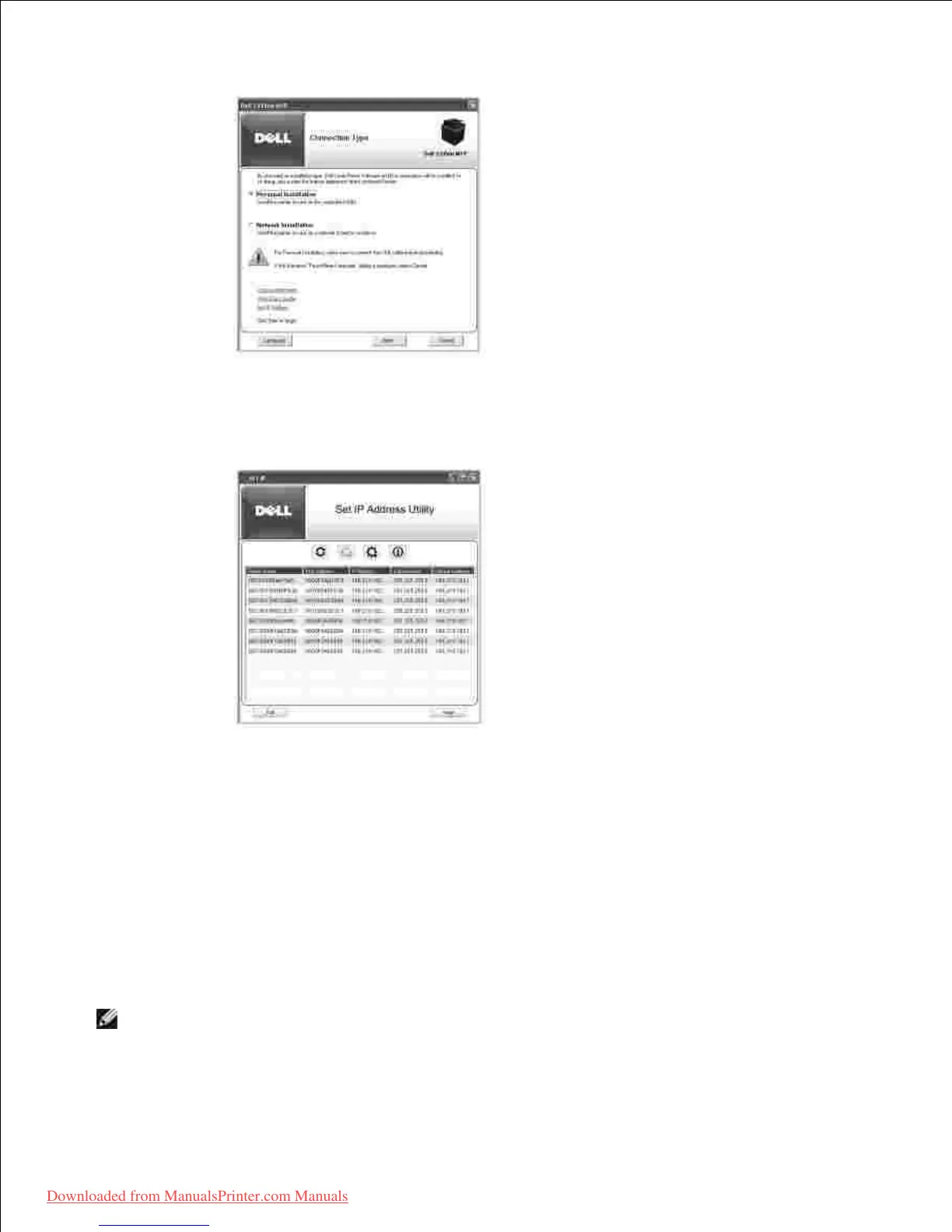
If necessary, select a language by pressing the Language button on the main screen.3.
Select Set IP Address . The list of printers is available on the network displays.4.
Select the printer you want to assign an MAC address to. The printer's MAC address can be found on
the Configuration page for the printer.
5.
When you finish setting the IP address for the printer, exit the program.6.
Installing Dell Software for Network Printing
When you connect your printer to the network, you must first configure the TCP/IP settings for the printer.
After assigning and verifying the TCP/IP settings, you are ready to install the Dell software on each network
printer.
You can install the Dell software on the network computers locally or remotely.













 To Next Page