Ensure that the printer is connected to your network and powered on. All applications should be closed
on your computer before beginning installation. For details about connecting on the network, see
"Connecting the printer to the Network" .
1.
Insert the DRIVERS AND UTILITIES CD .2.
NOTE: For Windows Vista/Windows 7/Server 2008 R2, click Continue when the User Account
Control screen appears.
NOTE: If user has disabled auto continue. Then please open setup.exe from CD root folder.
If necessary, select a language by pressing the Language button on the main screen.3.
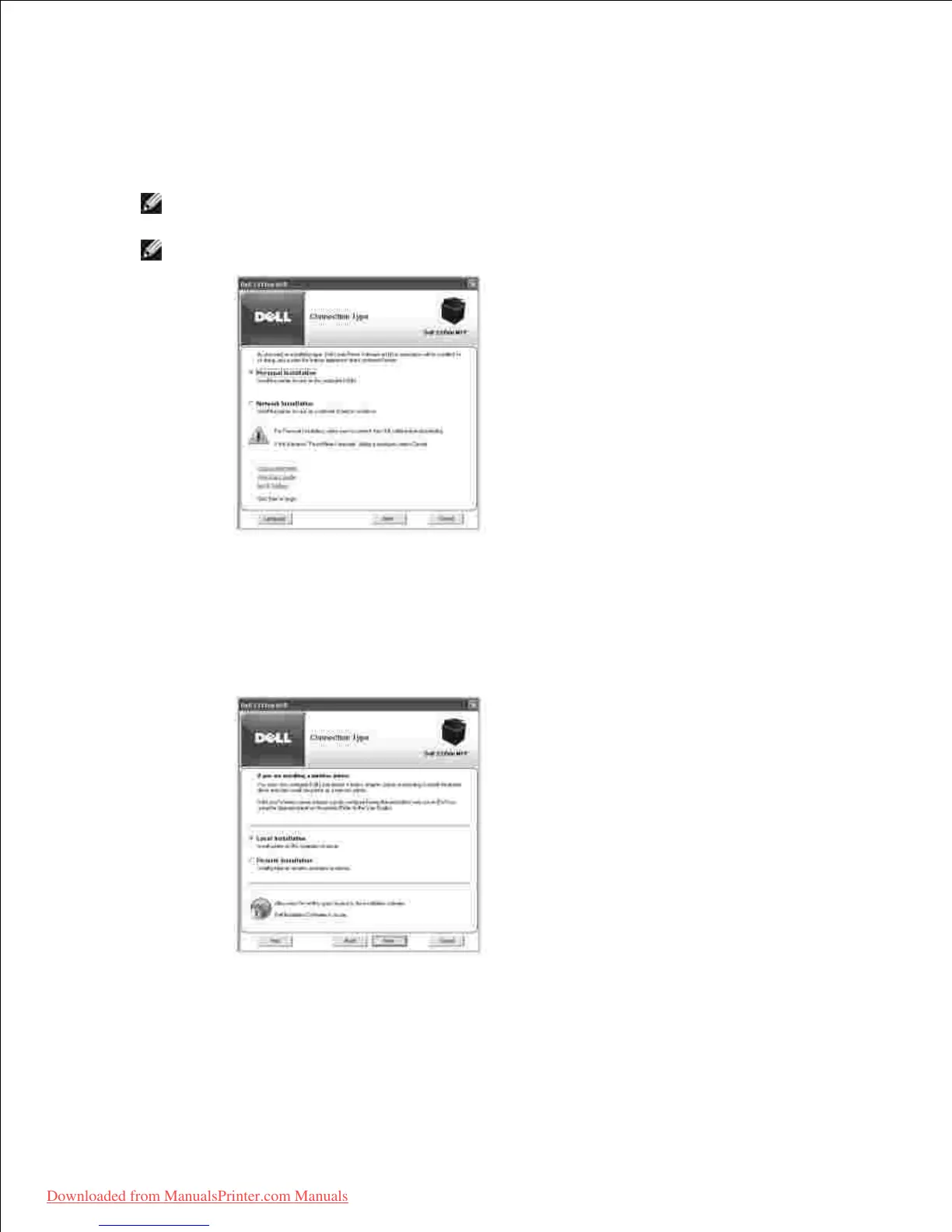
Select Network Installation .4.
If you want to install the drivers on this computer for network operation, select Local Installation ,
and then click Next .
5.
If you want to install the Dell software on remote computers or network servers on the same network,
select Remote Installation . The domain administrator's ID and password are required. Select the
client computer(s) in the same domain on a network and then click Next .
Downloaded from ManualsPrinter.com Manuals













 To Next Page