2.
Press Scroll ( or ) to highlight PS Font List and then press Select ( ).3.
PS Font list pages print out.4.
Setting up the hardware
This section shows the steps to set up the hardware which is explained in the Placemat. Make sure you read
Placemat and complete following steps.
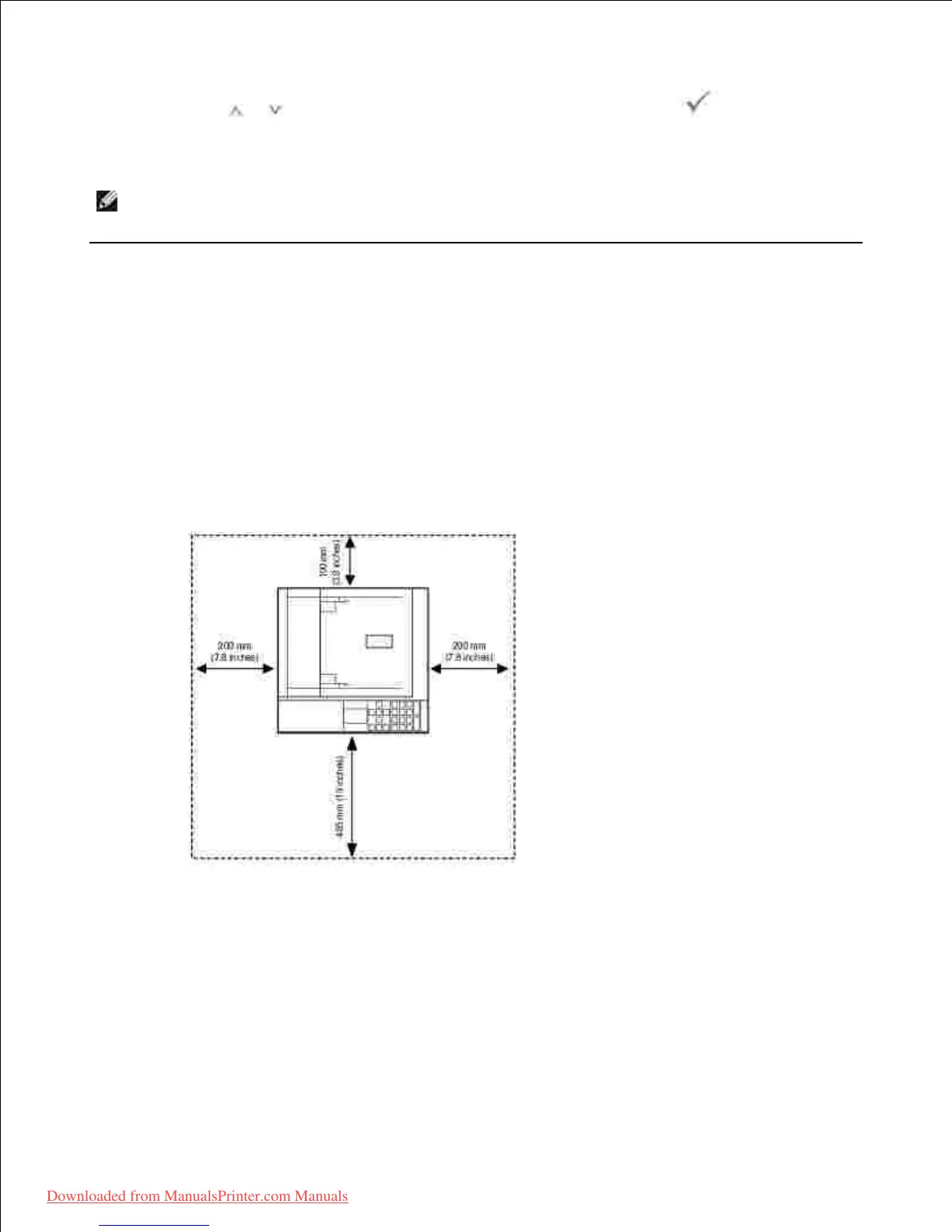
Select a stable location.1.
Select a level, stable place with adequate space for air circulation. Allow extra space to open covers
and trays.
The area should be well-ventilated and away from direct sunlight or sources of heat, cold, and
humidity. Do not set the machine close to the edge of your desk or table.
Place the machine on a flat, stable surface so that there is no incline greater than 2 mm (0.08 inch).
Otherwise, printing quality may be affected.













 To Next Page