Unpack the machine and check all the enclosed items.2.
Remove the tape holding the machine tightly.3.
Install both the print cartridge.4.
Load paper. See "Loading Paper" .5.
Make sure that all the cables are connected to the printer.6.
Turn the printer on.7.
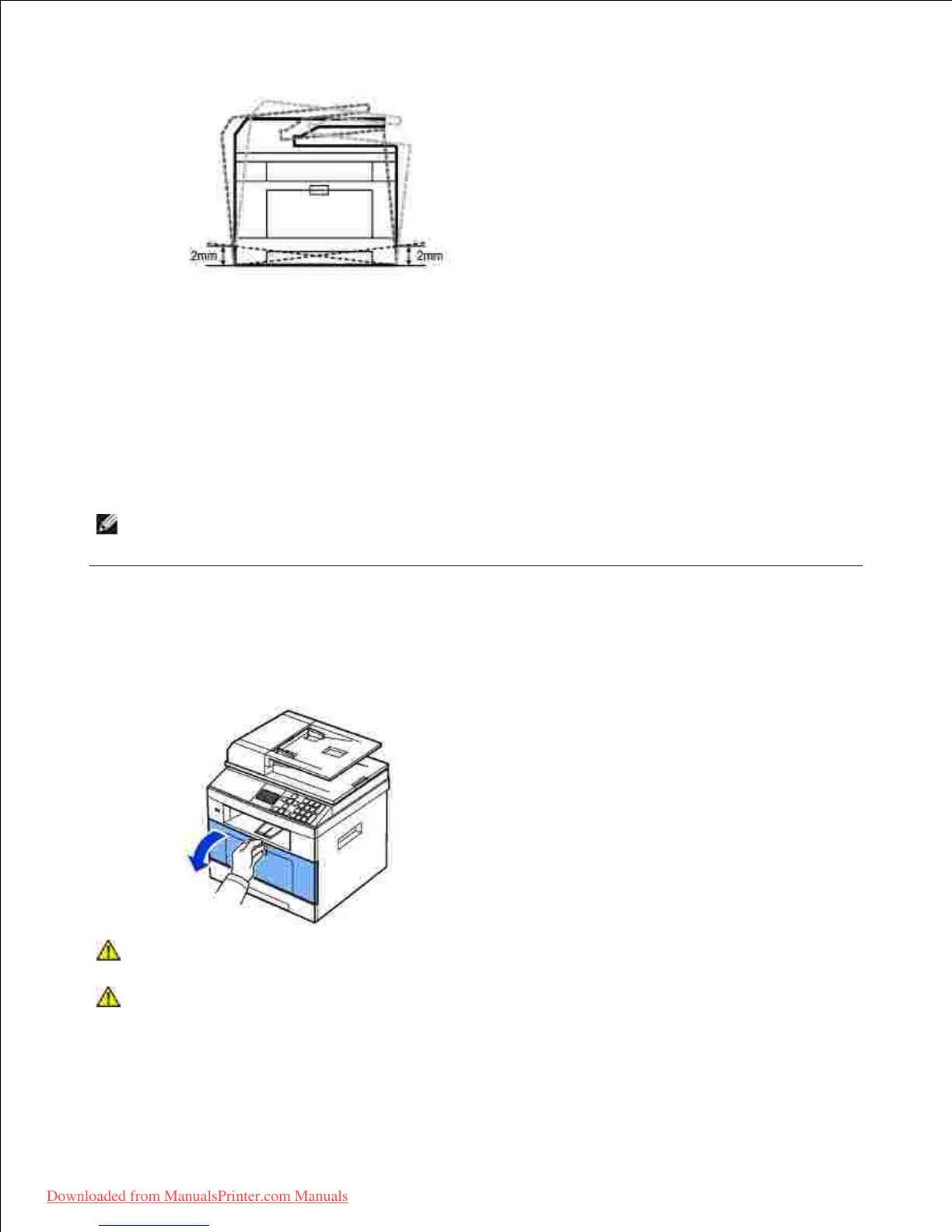
NOTE: When you move the printer, do not tilt or turn it upside down. Otherwise, the inside of the
printer may be contaminated by toner, which can cause damage to the printer or bad printing quality.
Installing the Toner Cartridge
Open the front cover.1.
CAUTION: To prevent damage, do not expose the toner cartridge to light for more than a
few minutes.
CAUTION: Do not touch the green underside of the toner cartridge. Use the handle on the
cartridge to avoid touching this area.
Downloaded from ManualsPrinter.com Manuals













 To Next Page