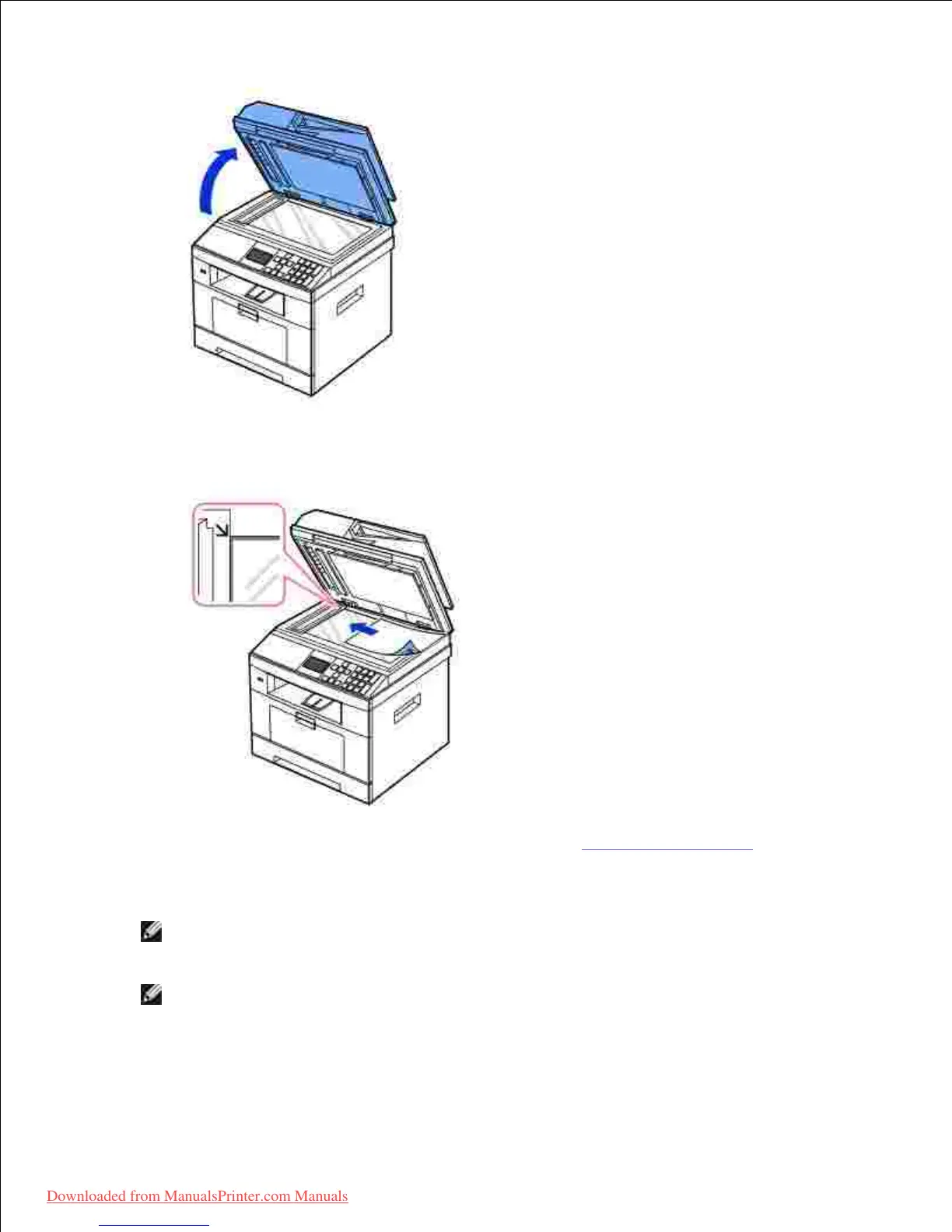
1.
Place the document face down on the document glass and align it with the registration guide on the top
left corner of the glass.
2.
For detailed guidelines for preparing an original document, see "Preparing a Document".
Close the document cover.3.
NOTE: If you are copying a page from a book or magazine, lift the cover until its hinges are
caught by the stopper and then close the cover. If the book or magazine is thicker than 30 mm,
start copying with the cover open.
NOTE: Leaving the cover open while copying may affect the copy quality and toner
consumption.
Downloaded from ManualsPrinter.com Manuals













 To Next Page