3.
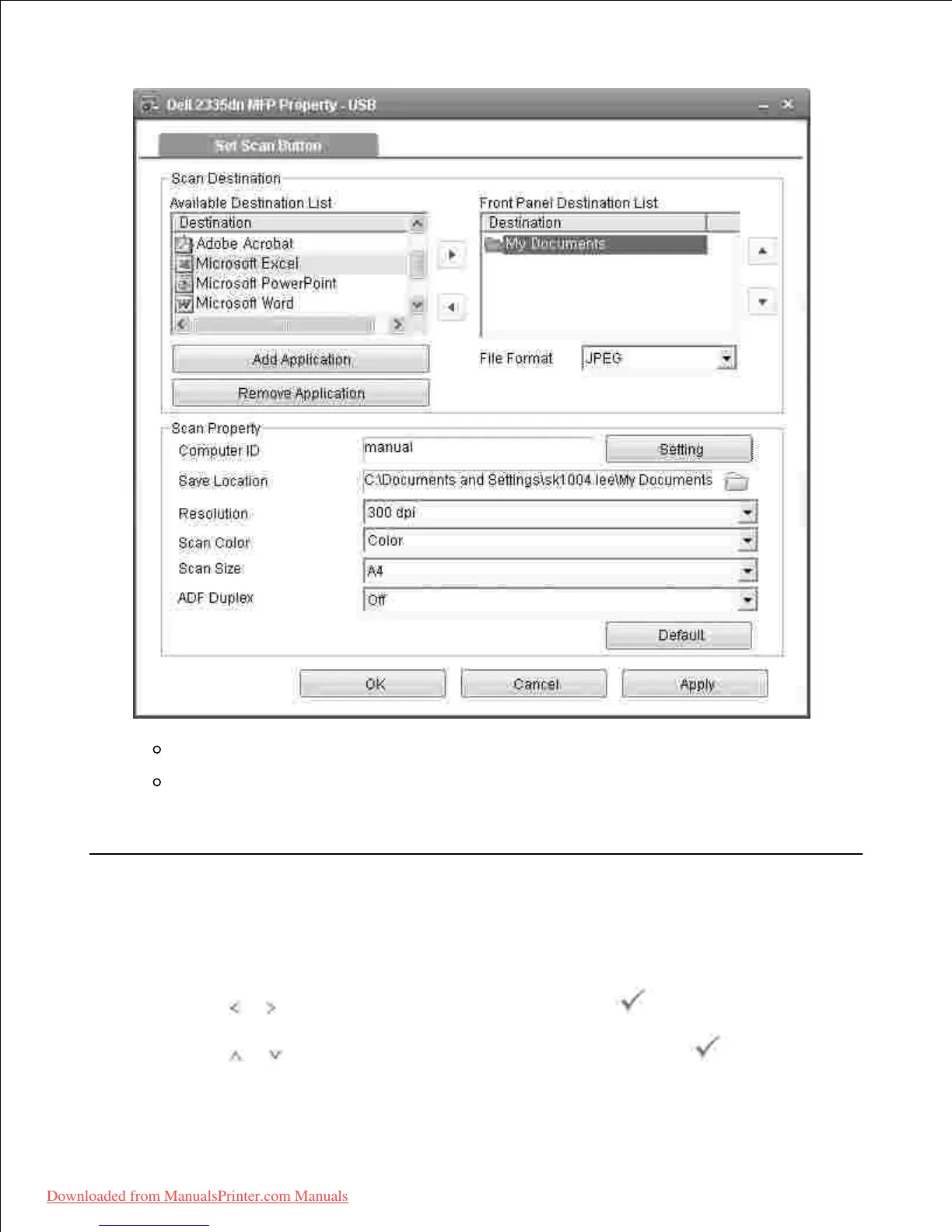
Scan Destination : You can change the add or delete application programs and file format.
Scan Property : You can change the saving destination, resolution, color and scan size.
Press OK after the setting is done.4.
Setting Quick Scan Default
The default scan destination can be set to the most frequently used one. When you scan a document, the
default destination is shown for quick and simple scanning.
Press Scroll ( or ) to highlight Scan and then press Select ( ).1.
Press Scroll ( or ) to highlight Scan Defaults and then press Select ( ).2.
3.













 To Next Page