3.
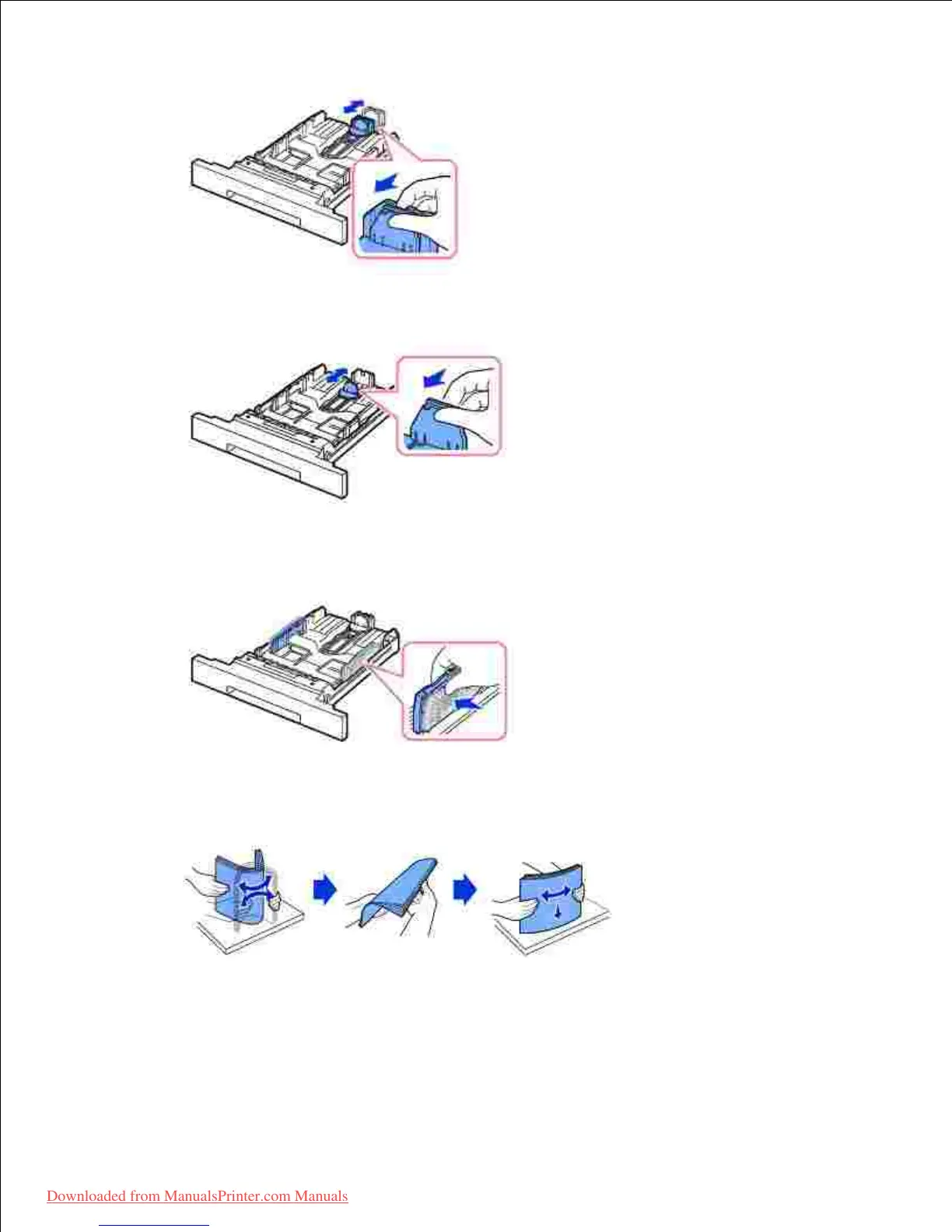
For paper smaller than Letter size, adjust the rear paper length guide so that it lightly touches the
paper stack.
Pinch the paper width guide, and move it towards the stack of paper until it touches the side of the
stack.
4.
Flex the sheets back and forth to loosen them, and then fan them out. Do not fold or crease the print
media. Align the edges on a level surface.
5.
Insert the paper stack into the paper tray with the side to be printed on facing down.6.













 To Next Page