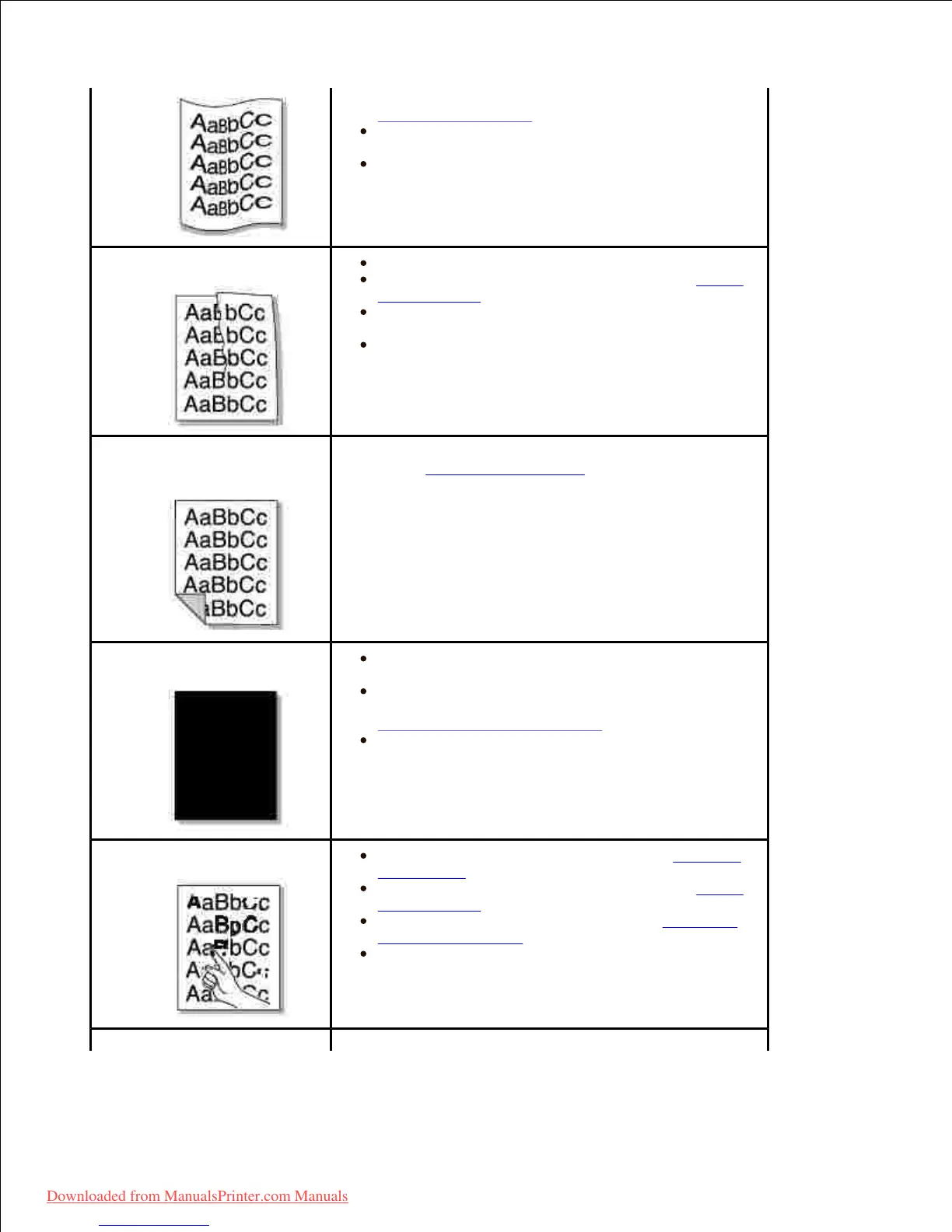
temperatures and humidity can cause paper curl. See
"Paper Specifications".
Turn over the stack of paper in the paper tray.
Also try rotating the paper 180° in the paper tray.
Try printing to the rear door.
Ensure that the paper is loaded properly.
Check the paper type and quality. See "Paper
Specifications".
Turn over the stack of paper in the paper tray.
Also try rotating the paper 180° in the paper tray.
Try printing to the rear door.
Back of printouts are
dirty
Check for leaks in the toner. Clean the inside of the
printer. See "Cleaning the Interior".
The toner cartridge may not be installed
properly. Remove the cartridge and reinsert.
The toner cartridge may be defective and need
replacing. Install a new toner cartridge. See
"Replacing the Toner Cartridge".
The printer may require repair. Contact a
service representative.
Clean the inside of the printer. See "Cleaning
the Interior".
Check the paper type and quality. See "Paper
Specifications".
Install a new toner cartridge. See "Replacing
the Toner Cartridge".
If the problem persists, the printer may require
repair. Contact a service representative.
Character voids have white areas where they should
Downloaded from ManualsPrinter.com Manuals













 To Next Page