User Manual for DEVO-12 Page 132 of 238
English Your language
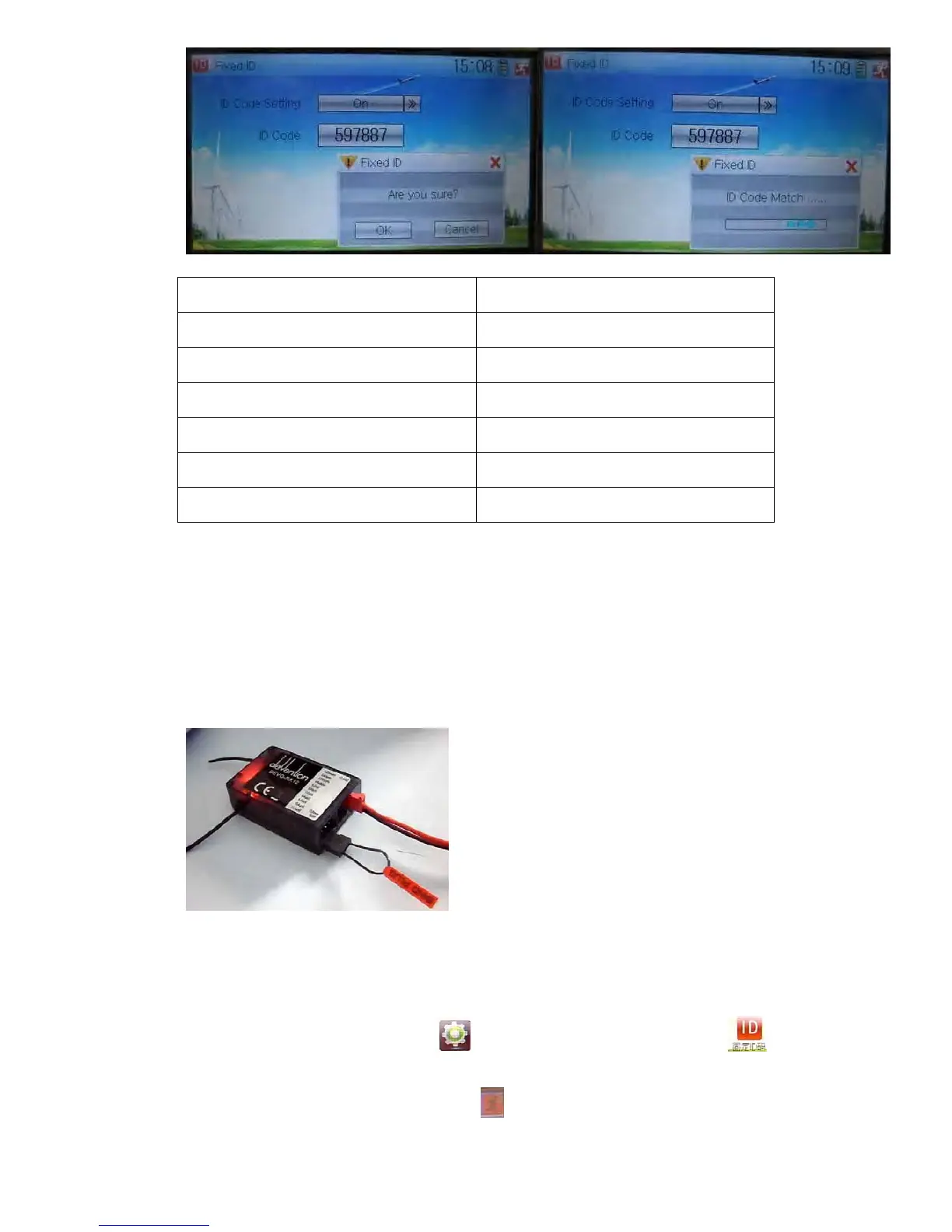
ID Code Setting
ID Code
Fixed ID
Are you sure?
Cancelled
ID Code Match
2) Fixed ID cancellation
Insert the assorted BIND PLUG into the output terminal of BATT before the receiver is
powered on, and then plug 5V DC power into other output terminal. The red light of
receiver will flash slowly. This means the fixed ID code has been cancelled. Pull out
BIND PLUG.
DEVO-12 also needs to make relative cancellation and reversion after the fixed ID in
receiver is cleared out.
In the main interface touch the icon
to enter Model Menu and then touch
to enter Fixed ID. Touch ID Code Setting to expand the navigation mark into two
statues On and Off. Touch Off. Then touch
to exit.



 To Next Page