User Manual for DEVO-12 Page 202 of 238
Setting method:
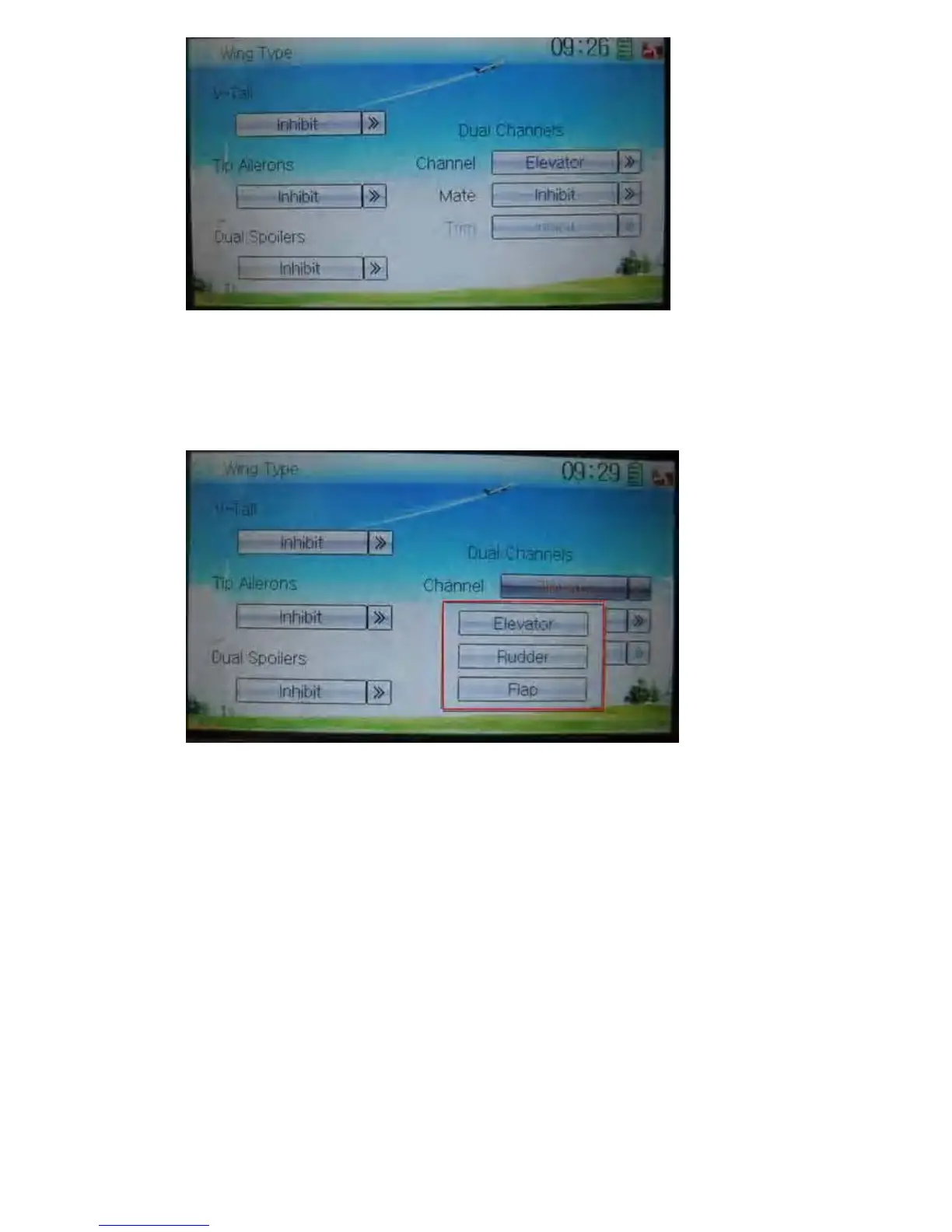
4.1) channel setting:
Touch navigation mark of Channel and expand a popup including Elevator, Rudder,
and Flap. Click the desired item.
4.2) Mate setting
Touch the navigation mark of Mate and expand a popup with Inhibit and the items
shown in Device Output. Select the desired item. Note: the selected channels are
shown in grey and are not selectable.



 To Next Page