Dobot M1 User Guide 2 Introduction
Issue V1.3.4 (2019-05-23) User Guide Copyright © Yuejiang Technology Co., Ltd
10
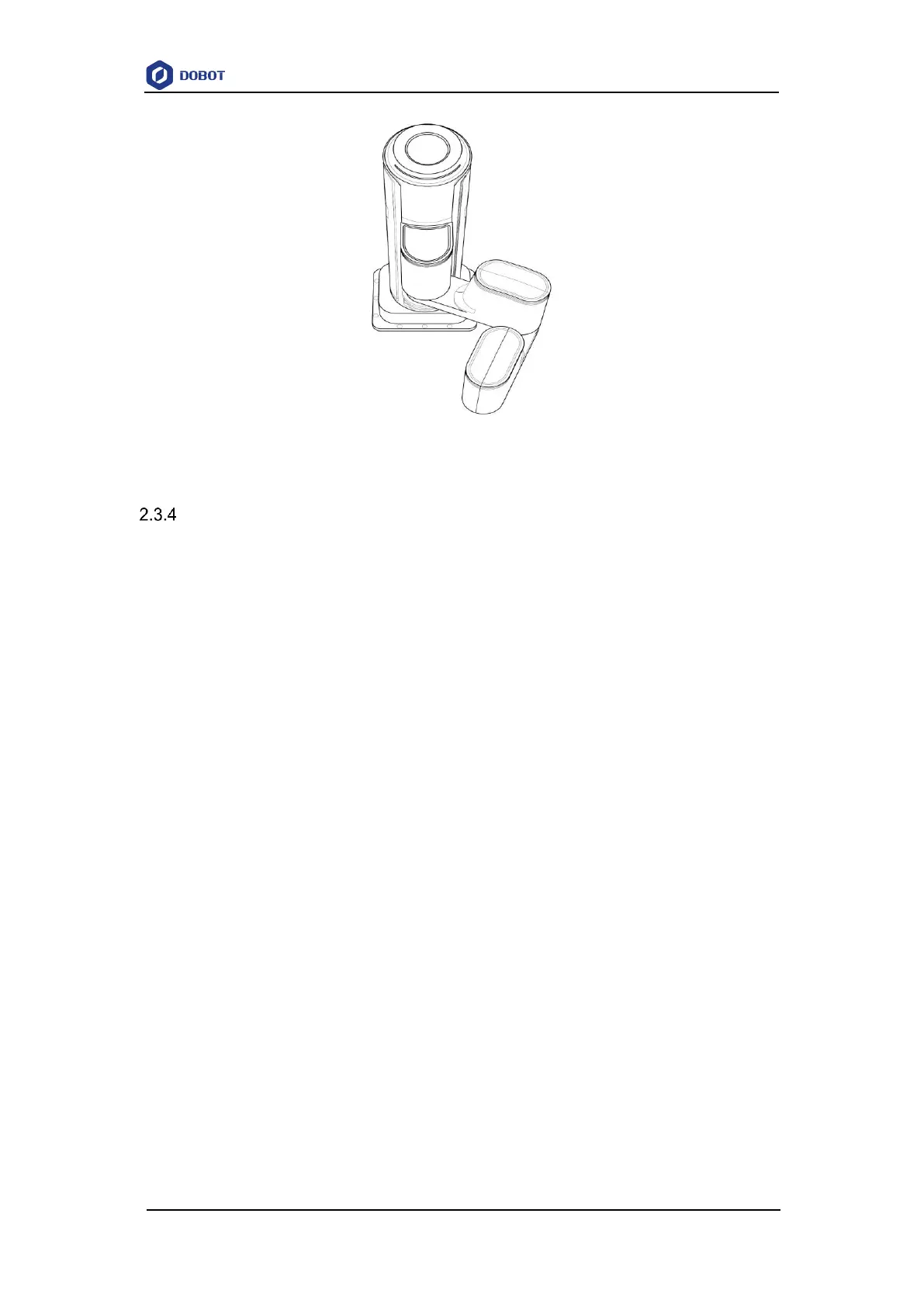
Figure 2.6 Lefty hand orientation
Motion Function
The motion modes of Dobot M1 include Jogging, Point to Point (PTP), ARC, and CIRCLE.
2.3.4.1 Jogging Mode
Jogging mode is to jog Dobot M1 in the Cartesian coordinate system or Joint coordinate
system.
NOTE
This topic describes jogging mode by the GUI operation of M1Studio.
Cartesian coordinate system mode
Click X+, X- and Dobot M1 will move along X-axis in the negative or positive
direction.
Click Y+, Y- and Dobot M1 will move along Y-axis in the negative or positive
direction.
Click Z+, Z- and Dobot M1 will move along Z-axis in the negative or positive
direction.
Click R+, R- and Dobot M1 will rotate along R-axis in the negative or positive
direction.
Joint coordinate system mode
Click Joint1+, Joint1- and control the Rear Arm to rotate in the negative or positive
direction.
Click Joint2+, Joint2- and control the Forearm to rotate in the negative or positive
direction.
Click Joint3+, Joint3- and control the Z-axis to move in the negative or positive
direction.
Click Joint4+, Joint4- and control the R-axis to rotate in the negative or positive



 To Next Page