Dobot M1 User Guide 5 Installation and Commissioning
Issue V1.3.4 (2019-05-23) User Guide Copyright © Yuejiang Technology Co., Ltd
46
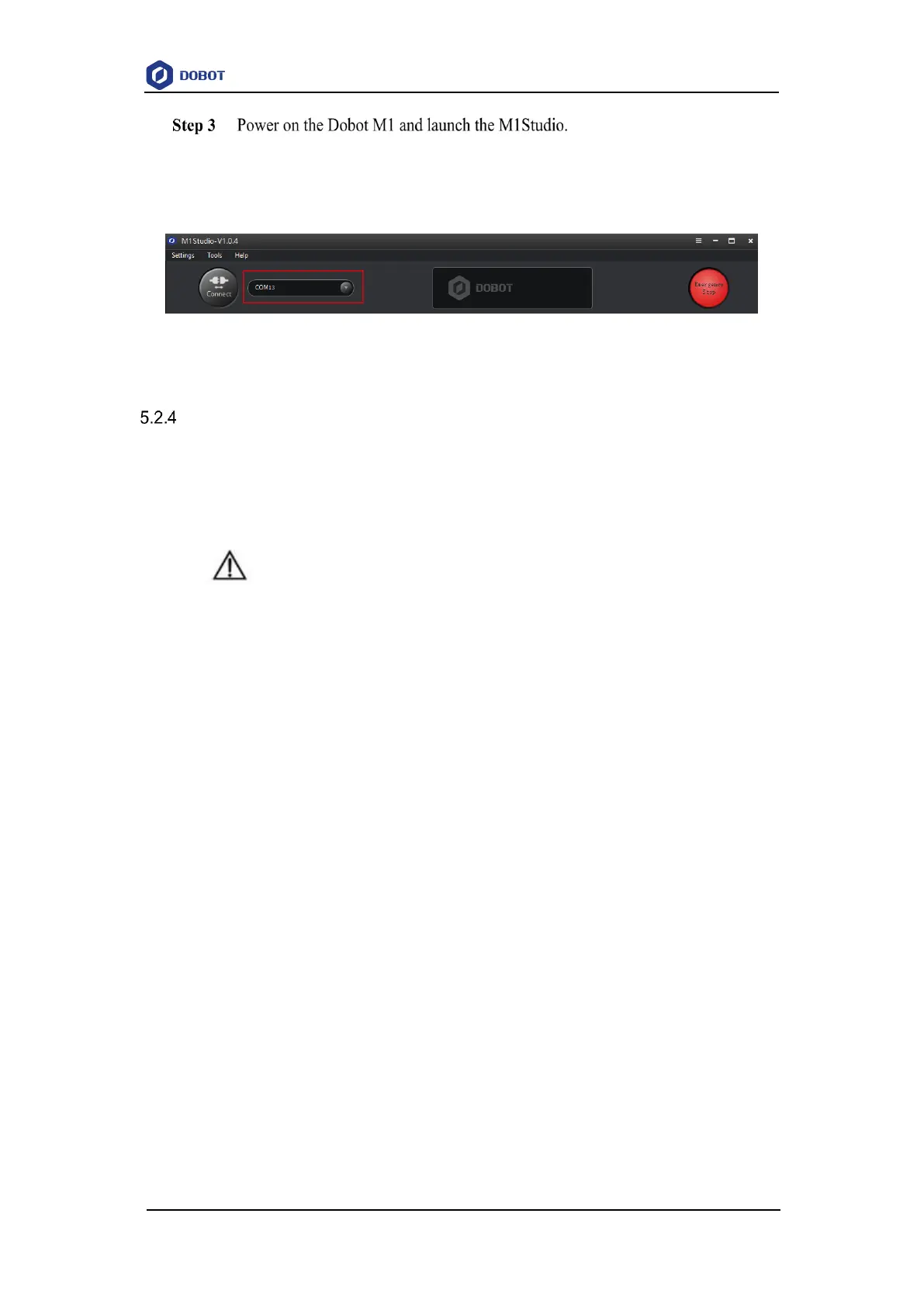
After startup, you can check the corresponding serial information from the serial
drop-down list on the upper left pane of the M1Studio page and click Connect, as
shown in Figure 5.12.
Figure 5.12 Serial information of M1Studio
Connecting Network Cable
In addition to the USB to serial line, you can also use a network cable to connect Dobot M1
and PC, but both connection ways cannot be supported at the same time, to avoid connection failure.
The IP addresses of Dobot M1 and PC must be in the same network segment when connecting them
with the network cable.
NOTICE
If you have connected a Dobot M1 to a PC with the USB to DB9 adapter cable, you
cannot connect them with a network cable. Choose one of the connection methods.
5.2.4.1 Connecting directly
This topic describes how to connect the Dobot M1 to the PC with a network cable directly and
a PC can only control single Dobot M1. The connection is shown in Figure 5.13.



 To Next Page