Dobot M1 User Guide 6 Operation
Issue V1.3.4 (2019-05-23) User Guide Copyright © Yuejiang Technology Co., Ltd
74
The Script page is displayed.
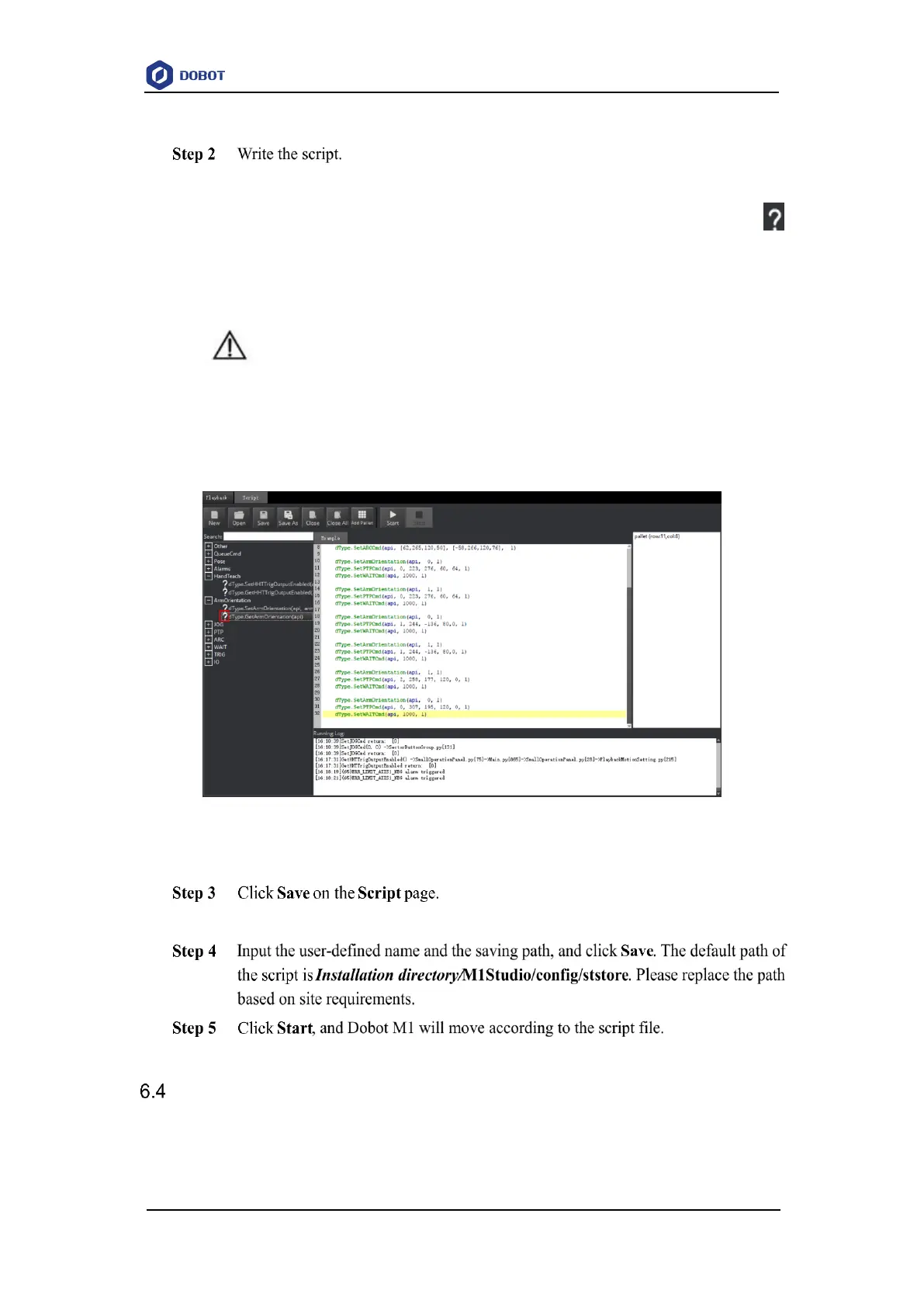
You can double-click the interface to be used, the corresponding interface will be
displayed on the script file page, as shown in Figure 6.14. You can also click
icon of the corresponding interface on the left pane of the Script page to view the
way how to set the parameters. The scripting example can refer to Installation
directory/M1Studio/config/ststore/Example.script.
NOTICE
If you use the motion command when writing a program, please add the orientation
command before every motion command, which indicates the arm orientation of Dobot
M1.
Figure 6.14 Write a script
The Save Scrip File page is displayed.
The running log will be displayed on the lower pane of the Script page for checking.
Operating Blockly
Prerequisites
The Dobot M1 has been powered on.



 To Next Page