Dobot M1 User Guide 6 Operation
Issue V1.3.4 (2019-05-23) User Guide Copyright © Yuejiang Technology Co., Ltd
65
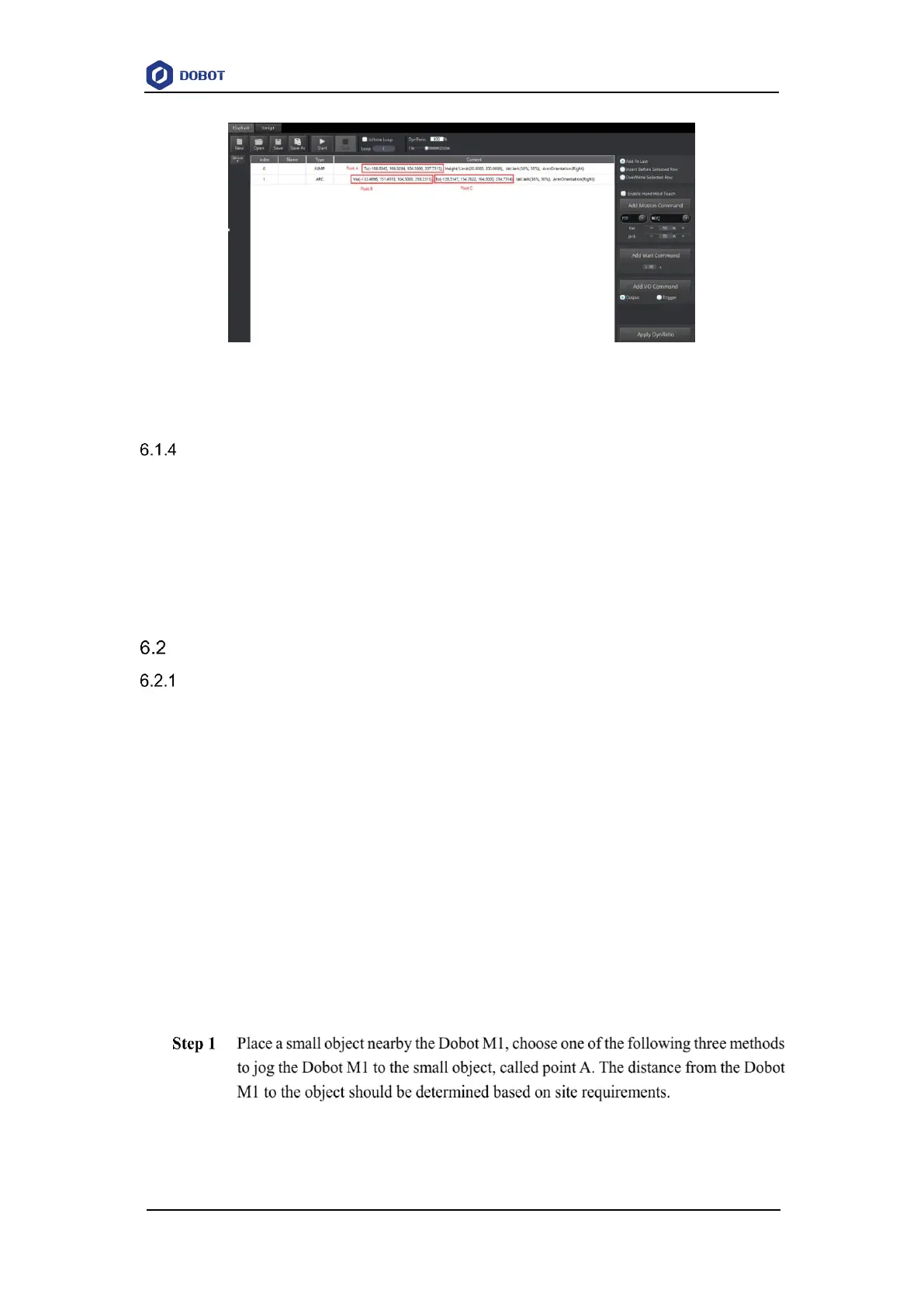
Figure 6.4 Information of saved points in ARC
Saving point in JUMP Mode
From point A to point B in JUMP mode:
If point A and point B are only different in Z-axis, and the arm orientations of them are
the same, Dobot M1 will not work.
If point A and point B are the same, only different in arm orientations, for example, the
arm orientation of point A is left, and that of point B is right, point A moves to point B as
the right hand posture, while the terminal coordinate relative to the origin stays constant.
Operating Teaching and Playback
Basic Operation
Prerequisites
The Dobot M1 has been powered on.
The Dobot M1 has been connected to the PC successfully.
The Dobot M1 has been connected to the emergency stop switch.
The air pump and the suction cup need to be installed when you suck up objects over the
teaching and playback function. For details on how to connect with an air pump, please
see 3.4 (Optional) Installing Air Pump.
Application Scenario
If you want to use the Dobot M1 to transport, intelligent sort, write and draw, the teaching and
playback function of Dobot M1 can help you to complete. This section uses the suction cup as the
end effector to describe how to operate.
Procedure
Select Cartesian from Cartesian drop-down list on the Operation Panel page, and
click the Cartesian coordinate buttons.
Select Joint from Cartesian drop-down list on the Operation Panel page, and click



 To Next Page