Dobot M1 User Guide 6 Operation
Issue V1.3.4 (2019-05-23) User Guide Copyright © Yuejiang Technology Co., Ltd
63
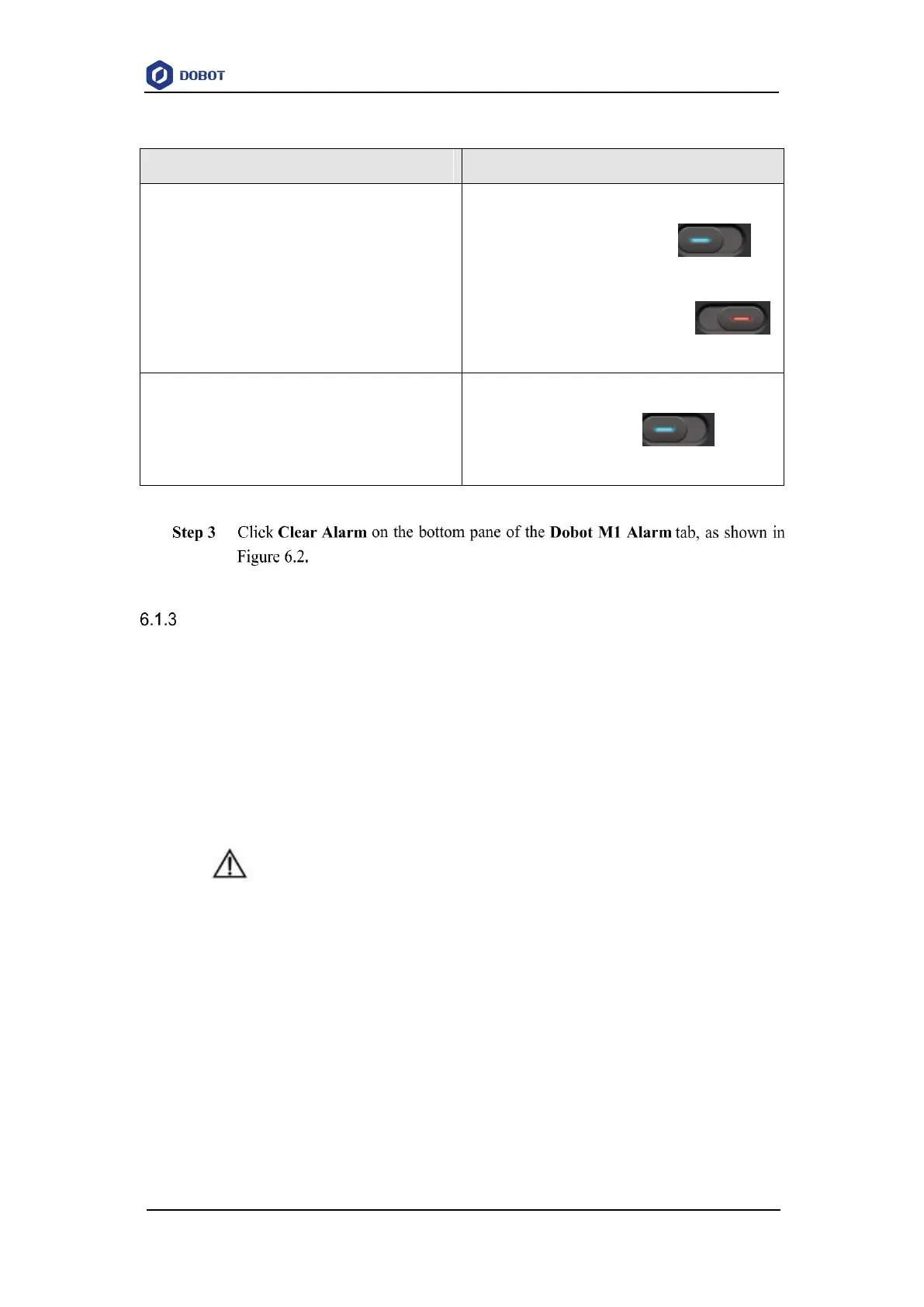
Table 6.3 Alarm button description
Whether to display historical alarms.
If the status of History is , all
historical alarms will be displayed.
If the status of History is ,
only the current alarm will be displayed.
Whether to scroll the alarm information automatically
If the status of AutoScroll is , the alarm
information will be scrolled automatically
If there are no alarm tips on the M1Studio page, the alarm has been cleared.
Saving Point in ARC Mode
Different from PTP, the trajectory of ARC is an arc, you need to save three points to complete
the arc trajectory. The method to save points in CIRCLE is the same as that of ARC.
Prerequisites
The Dobot M1 has been powered on.
The Dobot M1 has been connected to the PC successfully.
The Dobot M1 has been connected to the emergency stop switch.
Procedure
NOTICE
You need to use other motion modes to confirm the starting point of the arc trajectory
because the middle point and the end point only can be confirmed in ARC mode. When
saving points in the ARC mode, please pay attention to the following tips to avoid
generating an alarm.
Any two of the three points of the arc cannot coincide.
The three points of the arc cannot be in a line.
The arc trajectory cannot be out range of the workspace
The arm orientations in ARC and other modes that confirms the starting point
should be the same. Otherwise, the Dobot M1 will not work.
If the three points of the arc trajectory are point A, point B, and point C respectively, and point



 To Next Page