Dobot M1 User Guide 5 Installation and Commissioning
Issue V1.3.4 (2019-05-23) User Guide Copyright © Yuejiang Technology Co., Ltd
39
Verifying Installation
Please double-click the M1Studio after installation. If the M1Studio can be started, the
installation is successful.
Troubleshooting
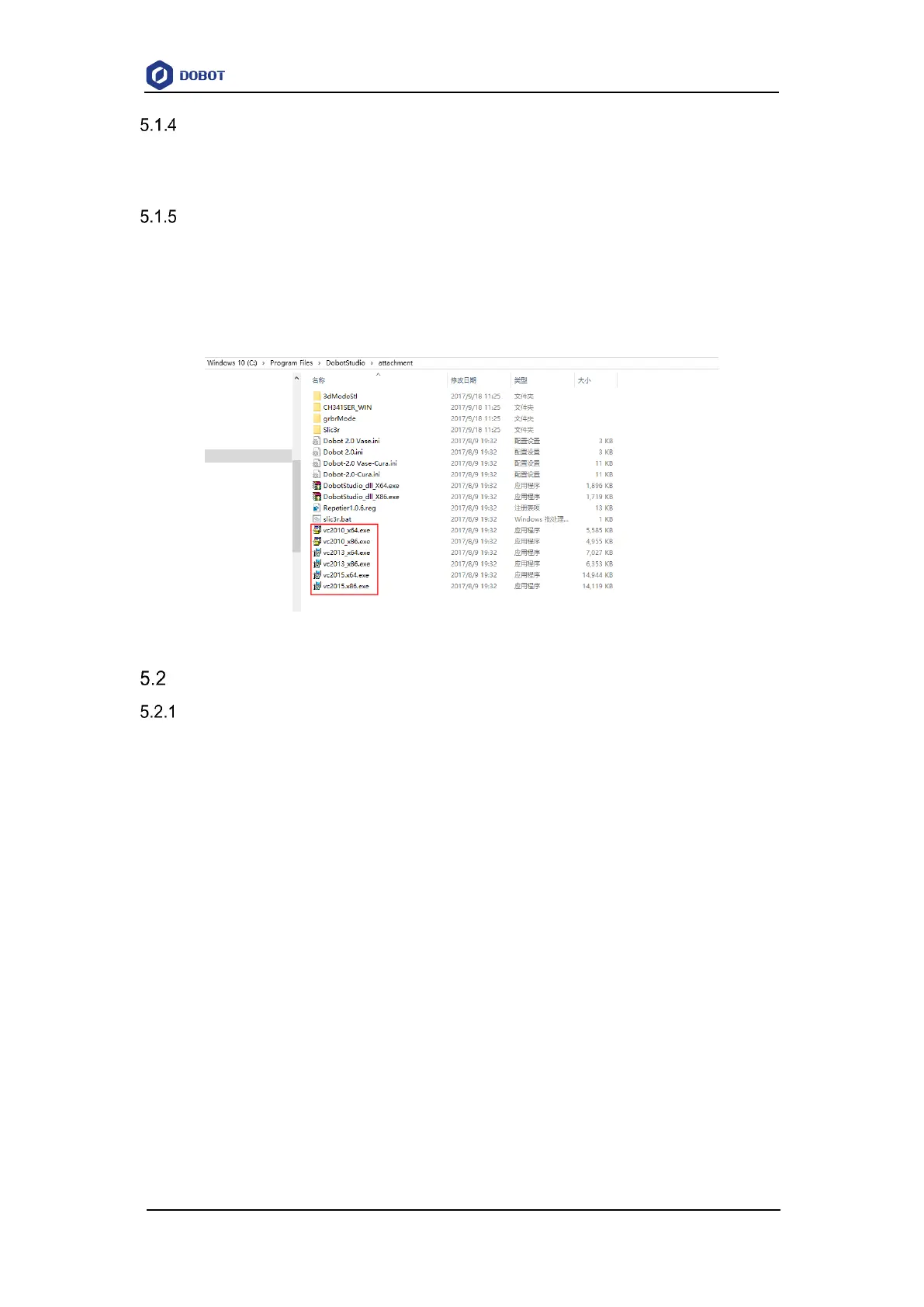
If the M1Studio is not running, you need to install all VC++ libraries in the C:\Program
Files\M1Studio\attachment directory, as shown in Figure 5.3.
C:\Program Files\M1Studio indicates the installation directory of M1Studio, please replace
the installation directory based on site requirements.
Figure 5.3 The VC++ libraries
Connecting Cables
Connecting Power Supply
Figure 5.4 shows the power supply cables and power adapter. No.1 in Figure 5.4 indicates DC
power cable, No.2 indicates AC power cable, and No.3 indicates power adapter.



 To Next Page