Dobot M1 User Guide 5 Installation and Commissioning
Issue V1.3.4 (2019-05-23) User Guide Copyright © Yuejiang Technology Co., Ltd
53
Debugging Emergency Stop Function
Prerequisites
The Dobot M1 has been powered on.
The Dobot M1 has been connected to a PC successfully.
The Dobot M1 has been connected to an emergency stop switch.
Procedure
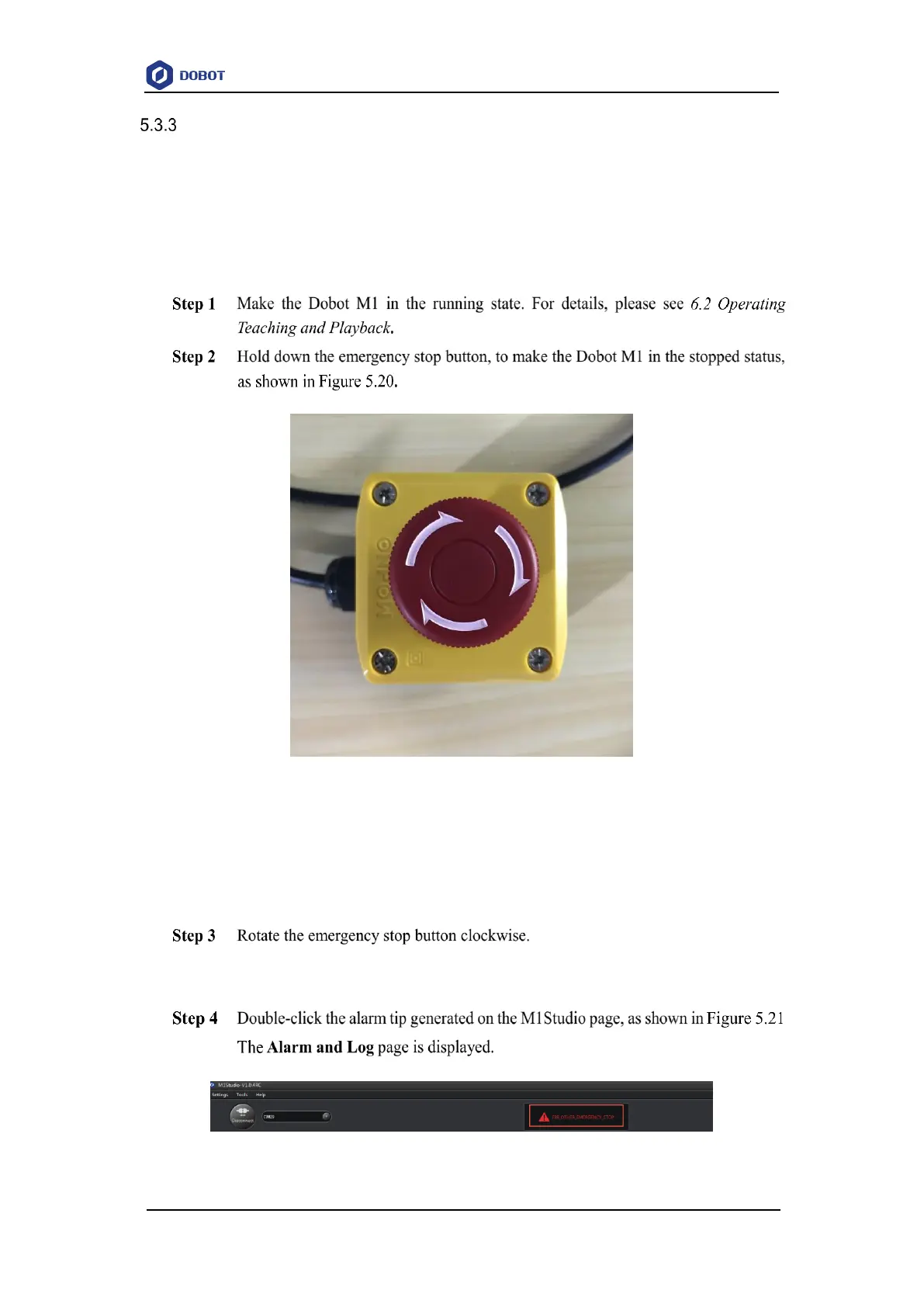
Figure 5.20 Emergency stop
Dobot M1 is stopped immediately with an alarm about emergency stop and the red
LED indicator on the base is on, which indicates that the emergency stop function is
normal.
The emergency stop button is released when rotating to 45°, which indicates the
stopped status is cleared.
Figure 5.21 Alarm tip



 To Next Page