Dobot M1 User Guide 6 Operation
Issue V1.3.4 (2019-05-23) User Guide Copyright © Yuejiang Technology Co., Ltd
66
the Joint coordinate buttons.
Click the icon of Motor on the Operation Panel page, and jog the
Dobot M1 by hand.
NOTICE
If you want to jog the Dobot M1 by hand when implementing jogging, please click
to make the motor of Dobot M1 in the open-loop state. If you want to
move Dobot M1 by clicking the coordinate buttons on the Operation Panel page,
please click to make the motor in the closed-loop state.
If an axis is limited or a point is at the singular position when implementing jogging,
an alarm will be generated. For details about alarm description, please see Table 6.2.
If you save a point after an alarm is generated, the saved point is unavailable. You
need to jog the Dobot M1 to clear the alarm, and then save the point again. However,
if an alarm about singular point is generated when implementing jogging, the saved
point is available in JUMP and MOVJ mode.
The Playback page is displayed.
NOTE
The motion mode in this topic is for reference only. You can choose other motion modes
based on site requirements. If you use the ARC mode, for details on how to saving points
in ARC, please see 6.1.3 Saving Point in ARC Mode.
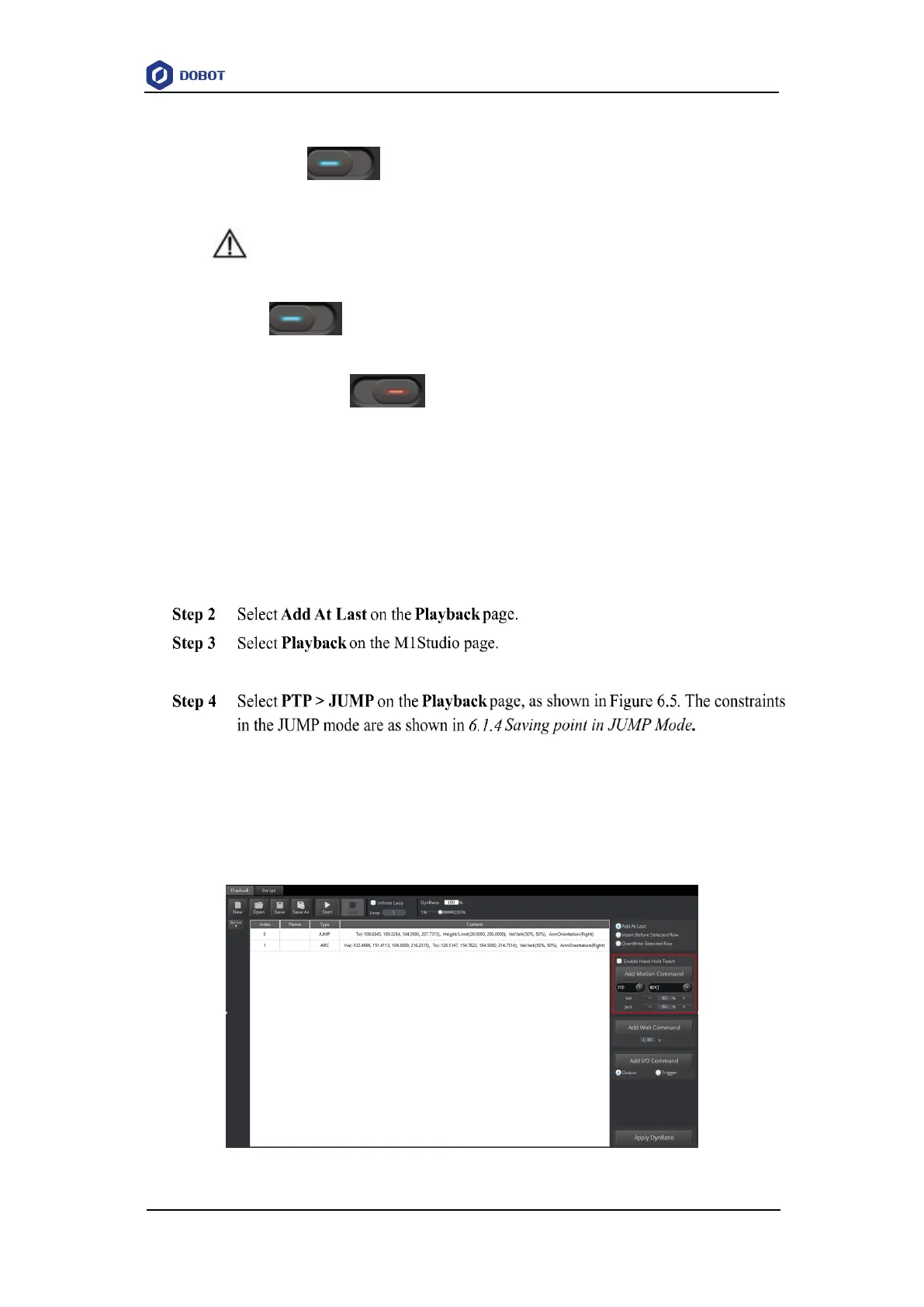
Figure 6.5 Choose motion mode



 To Next Page