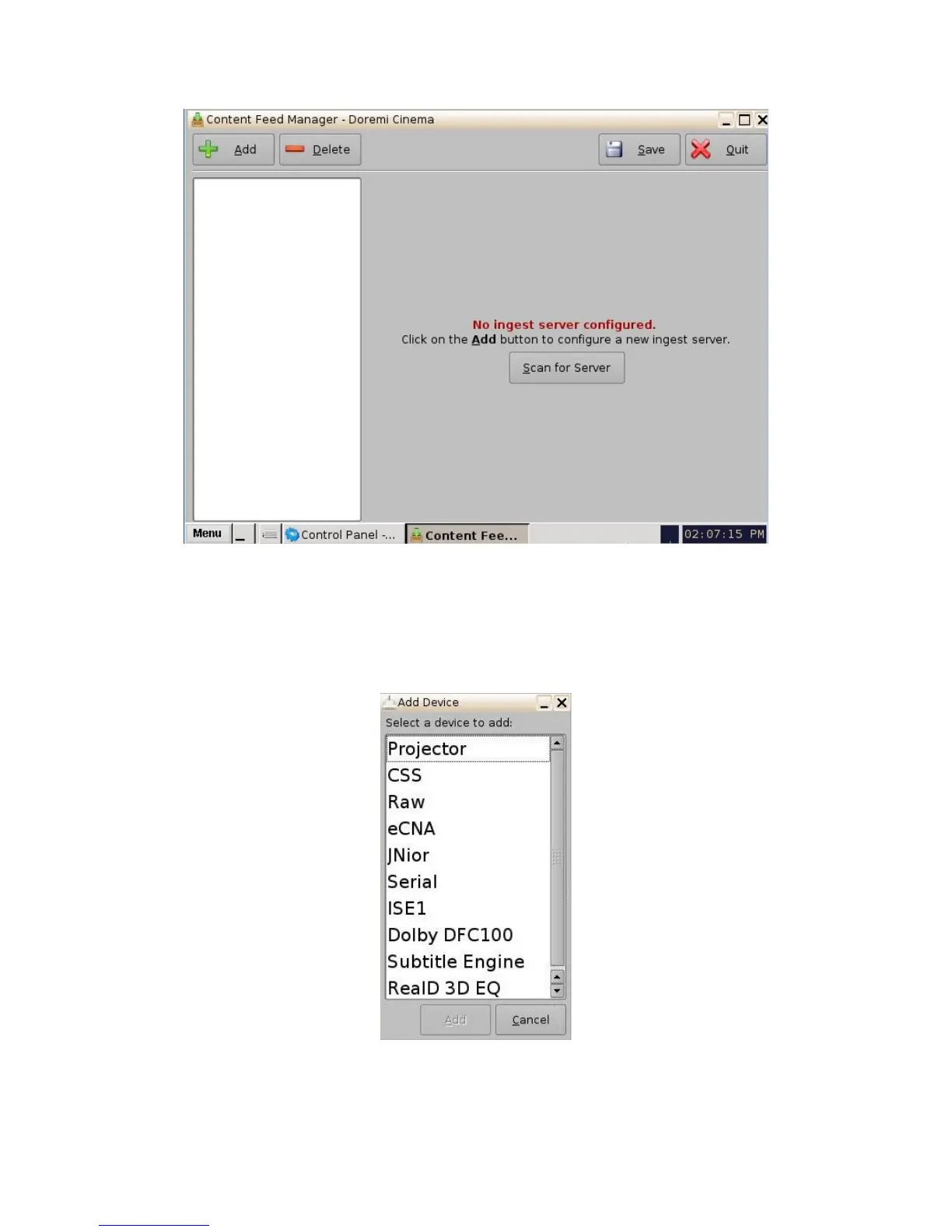
Figure 102: Device Manager Menu Window
• Click on the "Add" button.
• The following window will appear, allowing for selection of the intended device.
Figure 103: Device Manager GUI - Device Addition Window
_____________________________________________________________________________________
SHV.OM.001293.DRM Page 101 Version 1.3
Doremi Cinema LLC Confidential



 To Next Page