6.2.9.3 Action Removal
• To remove an action from the list of actions associated to a Macro Automation Cue,
select the action in the “Macro Actions” window and click the “Remove” button (see
Figure 44 above)
6.2.10 Macro Saving
• Repeat the Macro creation operations for all the Macro Automation Cues and click the
“Save” button
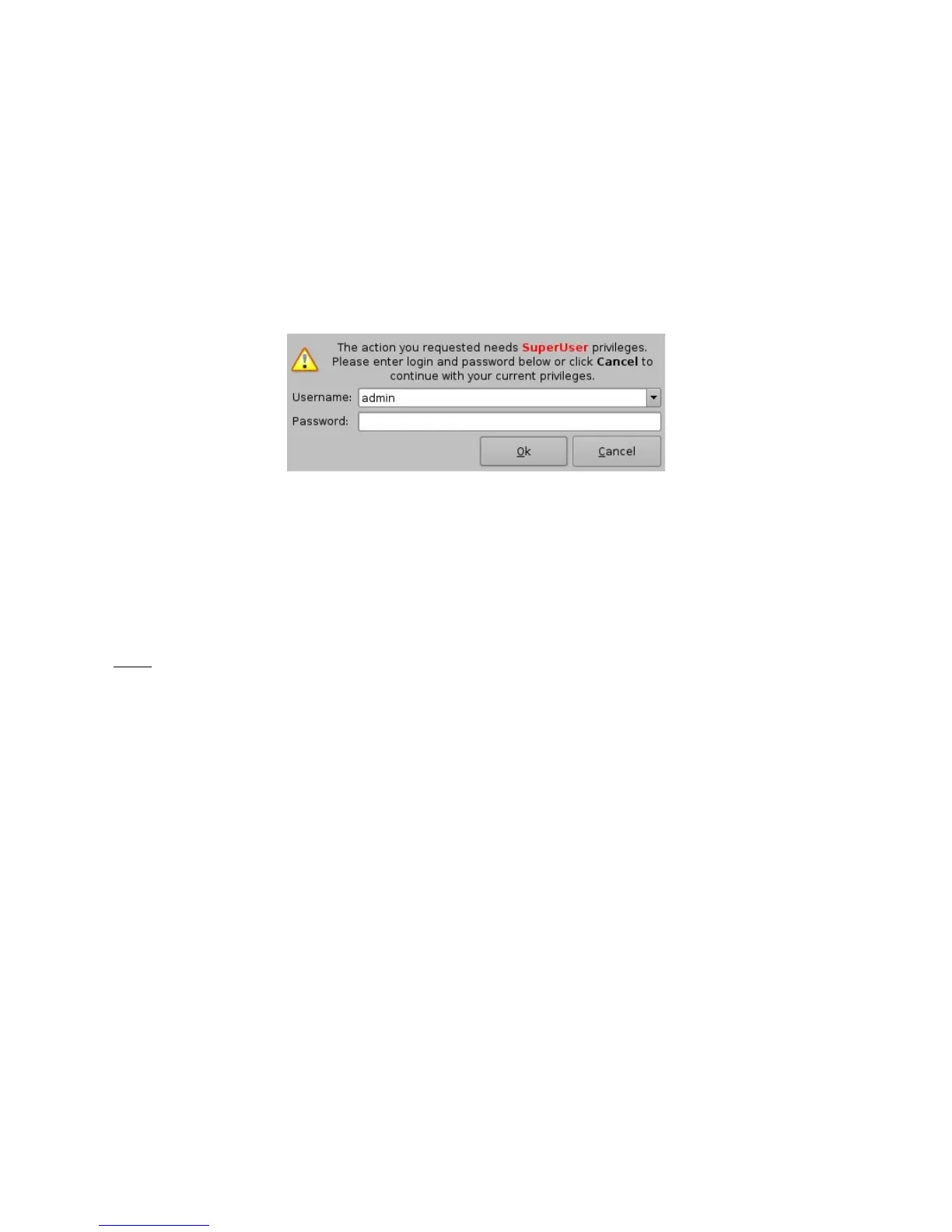
• User will be asked for a password to be able to perform the operation (see Figure 45
below)
Figure 45: Authentication Window
• Enter the appropriate password and click the “Ok” button
• The Macro Automation Cues will be available in CineLister in order to create a Show
Playlist
Note: The saving operation will not only save the Macro Automation Cues, but also the Trigger
Cues that are created according to the procedure described in Section 6.3.
_____________________________________________________________________________________
SHV.OM.001293.DRM Page 43 Version 1.3
Doremi Cinema LLC Confidential



 To Next Page