18 IMB Certainty and Christie Series 2 Projector Set
Up
18.1 IMB Certainty and Christie Series 2 Projector Set Up (Revision E)
18.1.1 IMB Certainty Set Up
• Unplug the power cables from the projector before beginning the installation process.
• Remove the access panel by pulling the bottom tabs.
• Line up the IMB board with the guiding rails on each side of the slot and insert the IMB
board gently into the projector.
• Lock the IMB board by using the two locking handles on each side.
• Re-install the access panel.
18.1.2 ShowVault Server Set Up
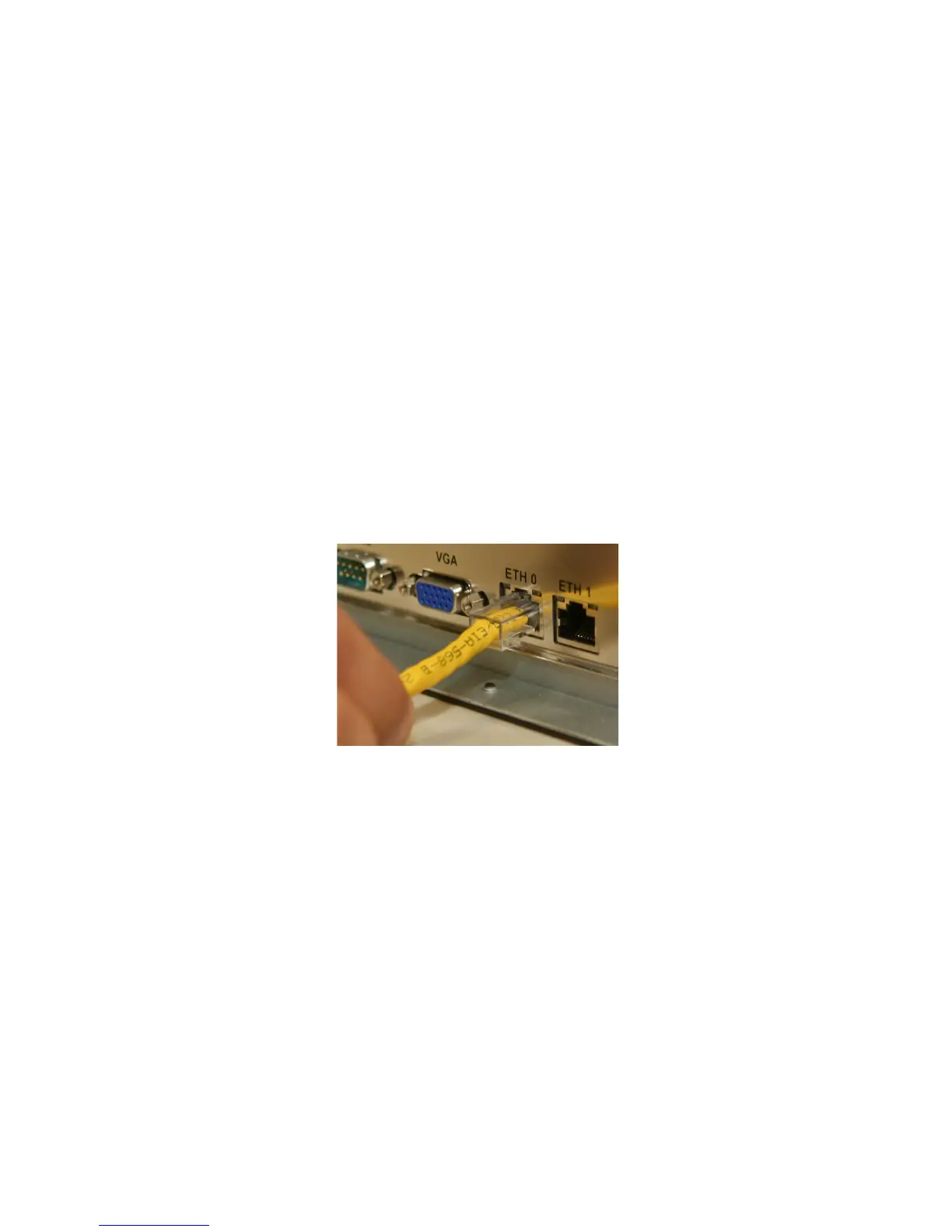
• Connect one end of the Ethernet cable into the ShowVault and the other end into the
Christie Series 2 Projector.
Figure 116: Ethernet Cable Plugged into Eth0 on ShowVault
• Connect one end of the PCI-Express cable into the ShowVault and the other end into the
IMB board on the Christie Series 2 Projector
_____________________________________________________________________________________
SHV.OM.001293.DRM Page 110 Version 1.3
Doremi Cinema LLC Confidential



 To Next Page