8.1 Account Manager GUI
• To access the "Account Manager" GUI double-click on the “Account Manager” icon
within the Control Panel window or select it and click the “Start” button located on the
right-bottom side of the Control Panel window
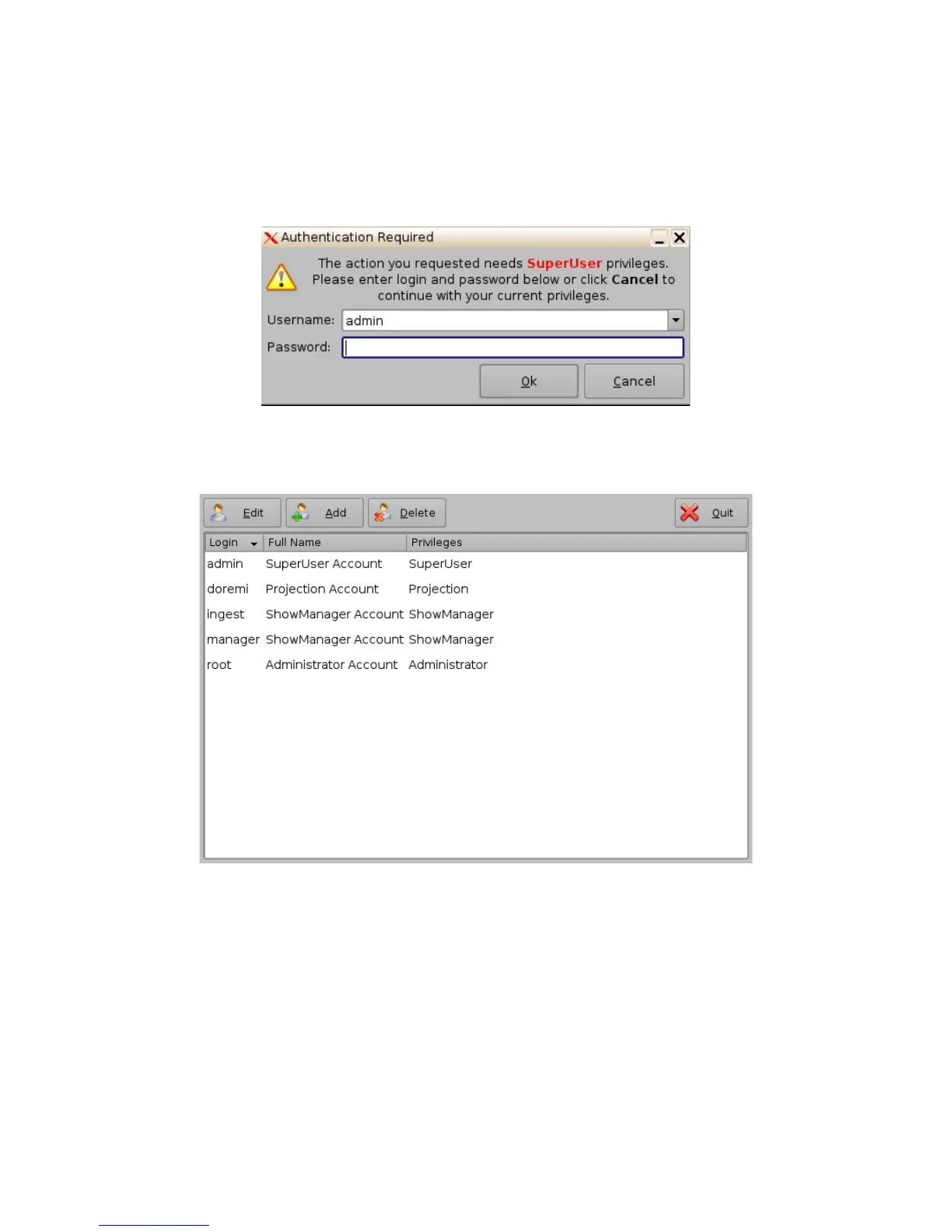
• Input the appropriate password and press "Ok" button.
Figure 54: Password Verification Window
• The following window will appear:
Figure 55: Account Manager GUI
• The "Account Manager" GUI allows the user to Edit/Add/Delete user accounts (see
Figure 55 above)
• To add a new user account click the “Add” button (see Figure 55 above)
• The following window will appear:
_____________________________________________________________________________________
SHV.OM.001293.DRM Page 50 Version 1.3
Doremi Cinema LLC Confidential



 To Next Page