16.1.4 GPIO CAT5 Cable Installation
• Plug one CAT5 cable end from the GPI slot into which ever automator is available or
required.
• Take another CAT5 cable and plug it from the GPO slot into which ever automator is
available or required.
16.1.5 ShowVault Server Set Up
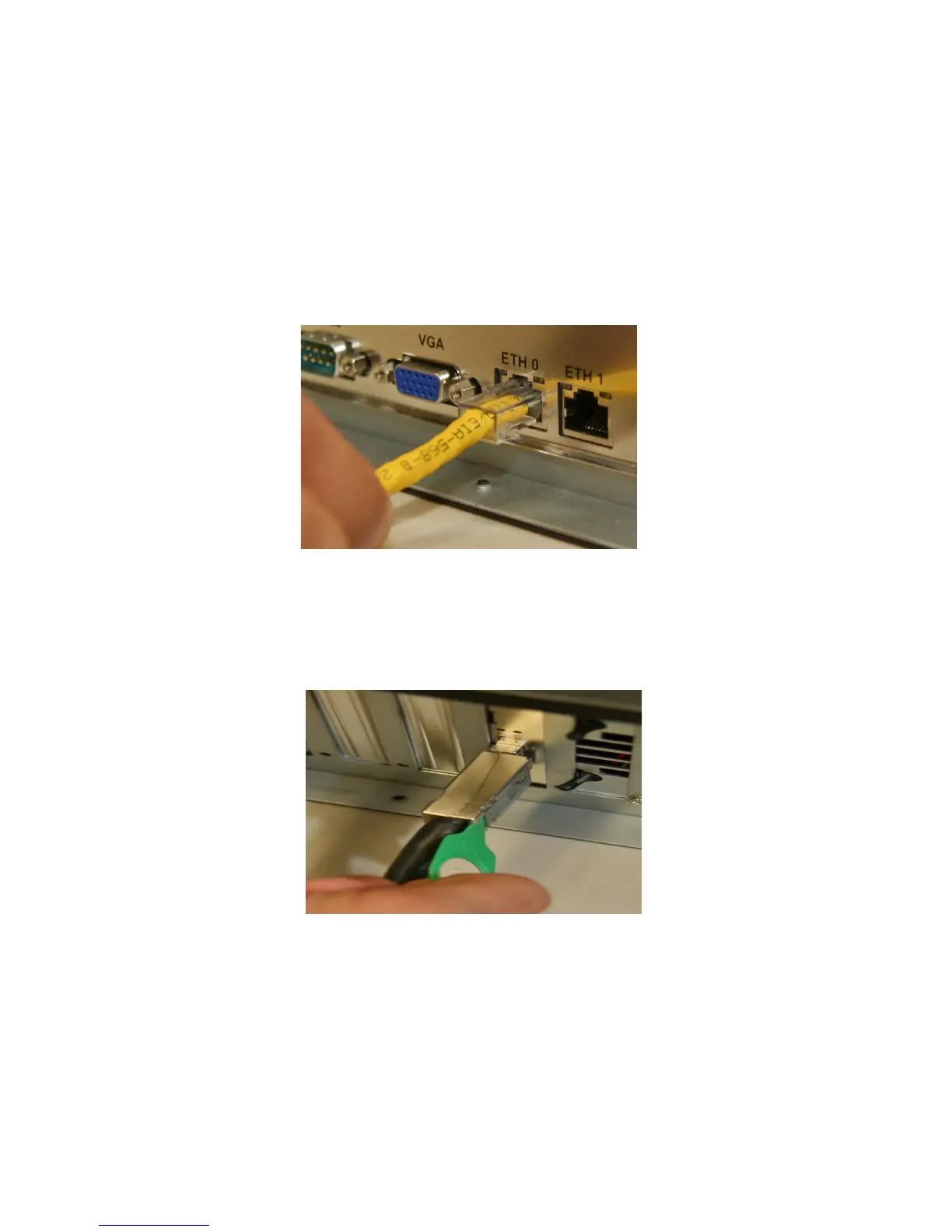
• Connect one end of the Ethernet cable into the ShowVault and the other end into the
Barco projector (see below).
Figure 97: Ethernet Cable Plugged Into ShowVault
• Connect one end of the PCI-Express cable into the ShowVault and the other end into the
IMB board on the Barco projector (see below)
Figure 98: PCI-Express Card Cable Plugged Into ShowVault
• Connect both power cables into the ShowVault (see Figure 99 below)
_____________________________________________________________________________________
SHV.OM.001293.DRM Page 98 Version 1.3
Doremi Cinema LLC Confidential



 To Next Page