17 IMB Certainty and NEC Series 2 Projector Set Up
17.1 IMB Certainty and NEC Series 2 Projector Set Up (Revision E)
17.1.1 IMB Certainty Set Up
• Remove the side panel by loosening the five screws.
• Unlock and remove the panel with the security key.
• Remove the bottom plate by loosening the two screws.
• Remove the Enigma board by loosening the two screws.
• Align the IMB board with the guiding rails located on each side.
• Insert the IMB board into the NEC projector.
• Lock the IMB board using the two locking screws.
• Reinstall the side panel with the five screws.
• Lock the side panel with the security key.
17.1.2 ShowVault Server Set Up
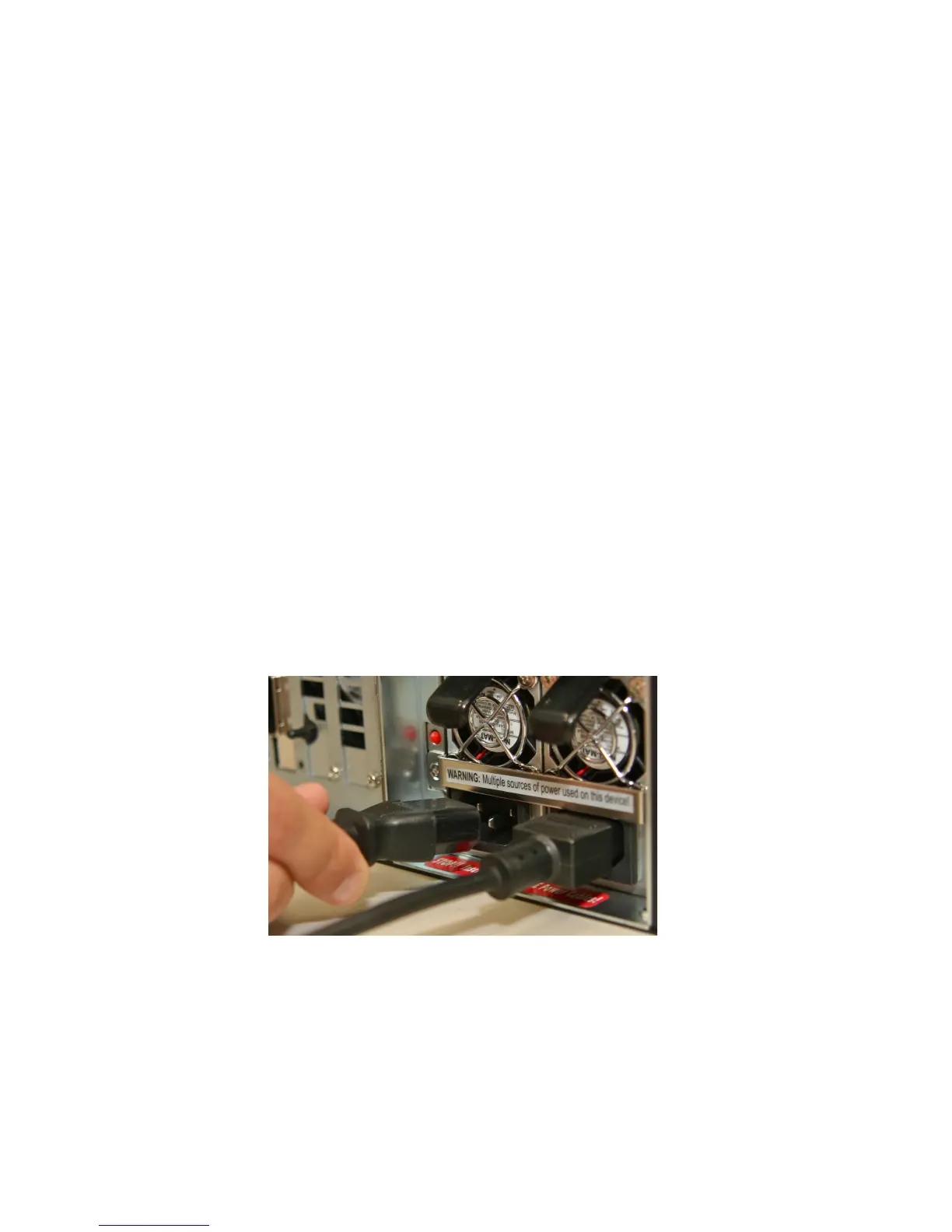
• Connect both power cables into the ShowVault.
Figure 107: Power Cables Connected to ShowVault
• Connect one end of the Ethernet cable into the ShowVault "Eth0" port and the other end
into the IMB board in the NEC projector. Plug one Ethernet cable end into the top AES
slot (RJ-45 connector) for audio channels 1-8.
_____________________________________________________________________________________
SHV.OM.001293.DRM Page 104 Version 1.3
Doremi Cinema LLC Confidential



 To Next Page