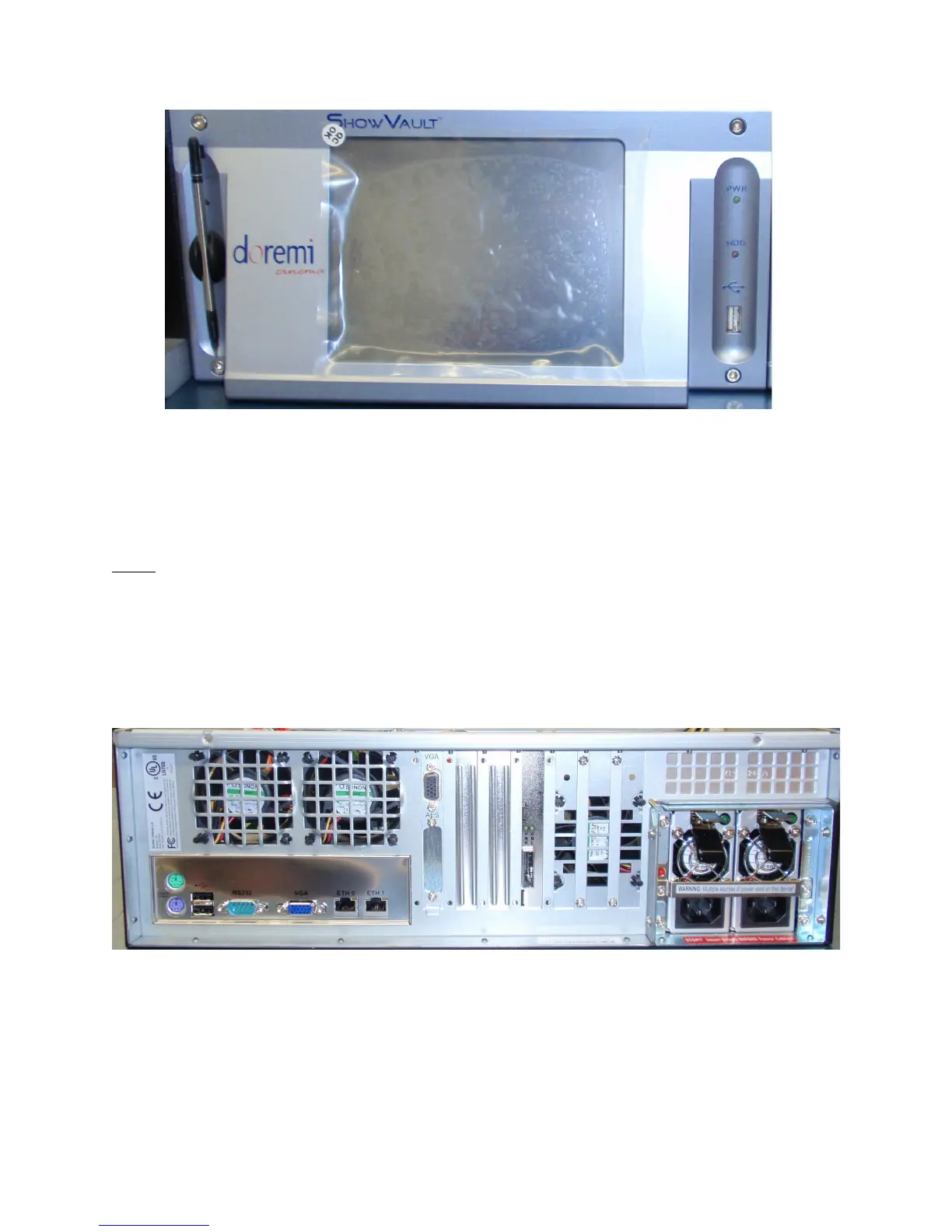
Figure 9: ShowVault (3RU) Silver Front Panel LCD Screen
• On the silver front panel the LCD can be turned on or off by pressing on the LCD power
button using the stylus attached to the front panel. This button is located behind the
stylus (see Figure 9 above).
Note: The use of the LCD screen requires that the two rear panel VGA connectors are linked
using the VGA cable provided with the ShowVault. See paragraph 3.1 for details about the VGA
cable connections.
2.2 ShowVault Rear Panel
The rear panel will differ on the ShowVault depending on the motherboard used. The
SuperMicro motherboard usage is illustrated in Figure 10 below.
Figure 10: ShowVault (3RU) Rear Panel Fitted With A SuperMicro Motherboard
_____________________________________________________________________________________
SHV.OM.001293.DRM Page 17 Version 1.3
Doremi Cinema LLC Confidential



 To Next Page