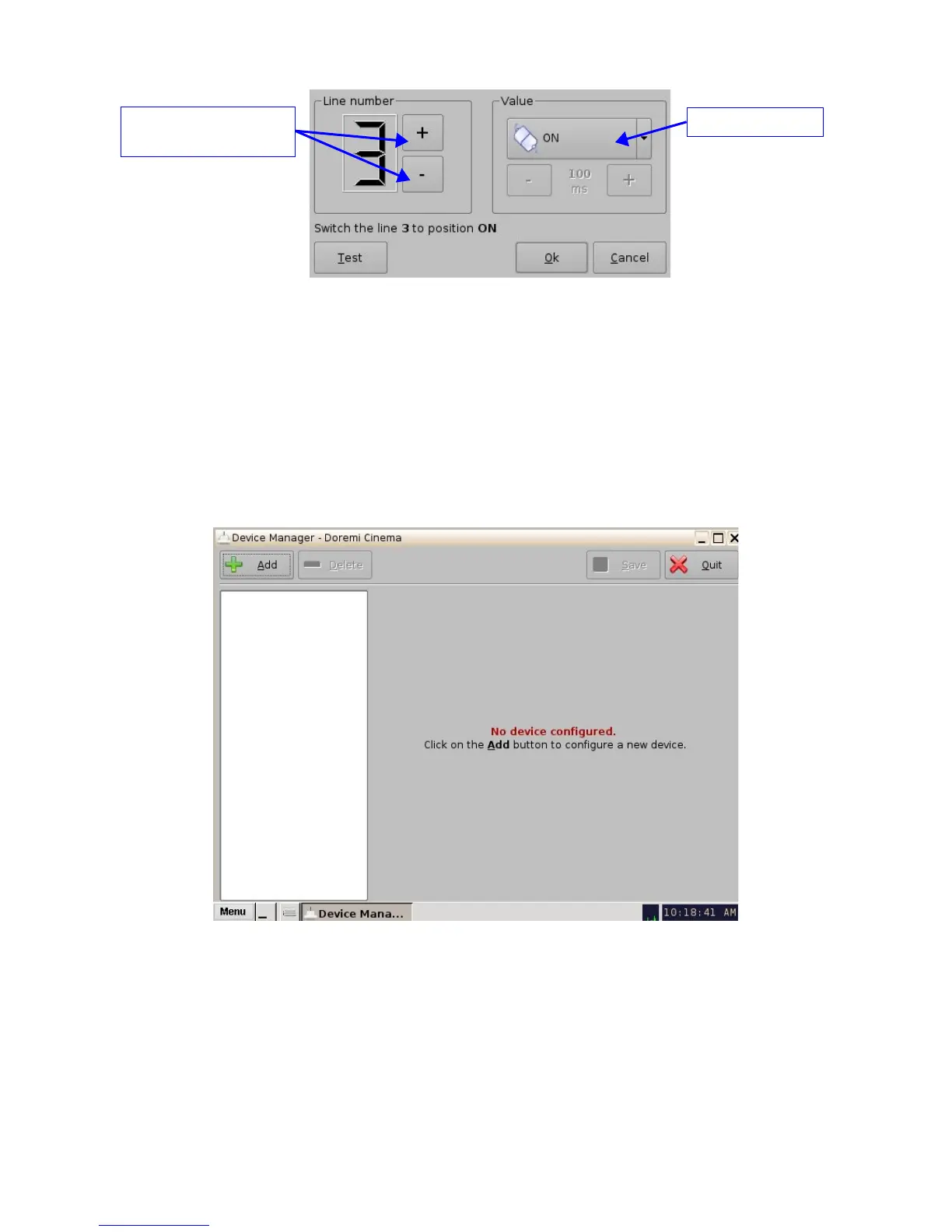
Figure 31: GPO Set Up Window
• Set the line number and value according to the usage and click the “Ok” button
6.2.5 IMB Input Macro Creation
This section provides instructions on how to create macros to change video source on the IMB.
• First, create a "Raw" device:
• Click on "Menu" and scroll to "Doremi Apps." Then select "Device Manager."
• The following window will appear:
Figure 32: Device Manager GUI
• Click the "Add" button. The following pop-up window will appear:
_____________________________________________________________________________________
SHV.OM.001293.DRM Page 35 Version 1.3
Doremi Cinema LLC Confidential
GPO state button
Button used to choose the
GPO line number



 To Next Page