• To complete the set up click the “Save” button (see Figure 86 above).
• User will be asked for a password.
14.3 Subtitle Engine Configuration
This paragraph provides instructions on how to set up the "Device Manager" for Subtitle Engine
support. It will allow the user to burn subtitles into the picture before being exported to the
projector. Follow the steps below:
• Open the "Device Manager" GUI by going to “Menu → Doremi Labs, Inc. → Device
Manager”.
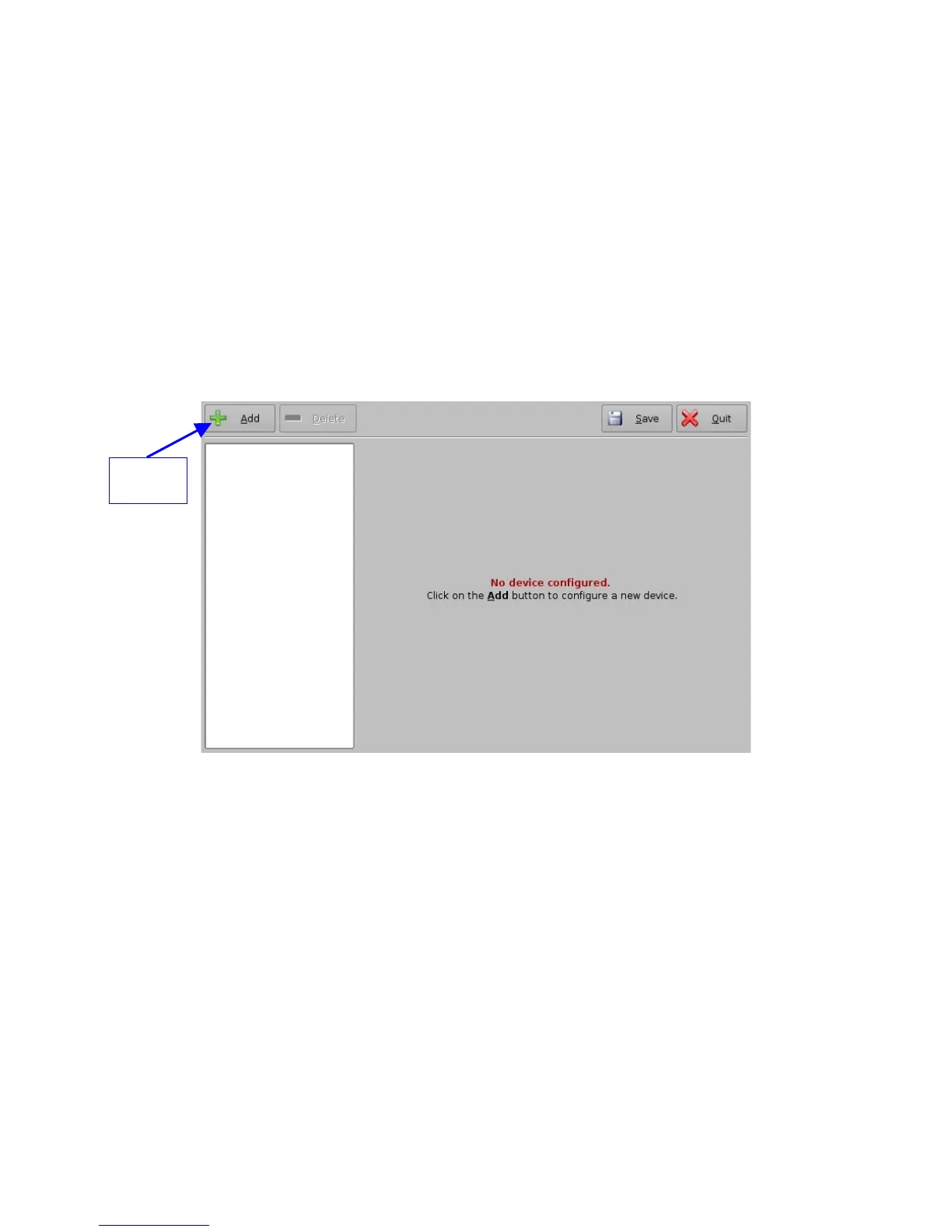
• The following window will appear:
Figure 87: Device Manager GUI
• Click the “Add” button (see Figure 87 above).
• The list of available devices will appear as presented below:
_____________________________________________________________________________________
SHV.OM.001293.DRM Page 91 Version 1.3
Doremi Cinema LLC Confidential
"Add"
button



 To Next Page