8.2 Language Set Up
• To change the language used on the ShowVault double-click the “Language Setup” icon
within the Control Panel window
• User will be asked for a password
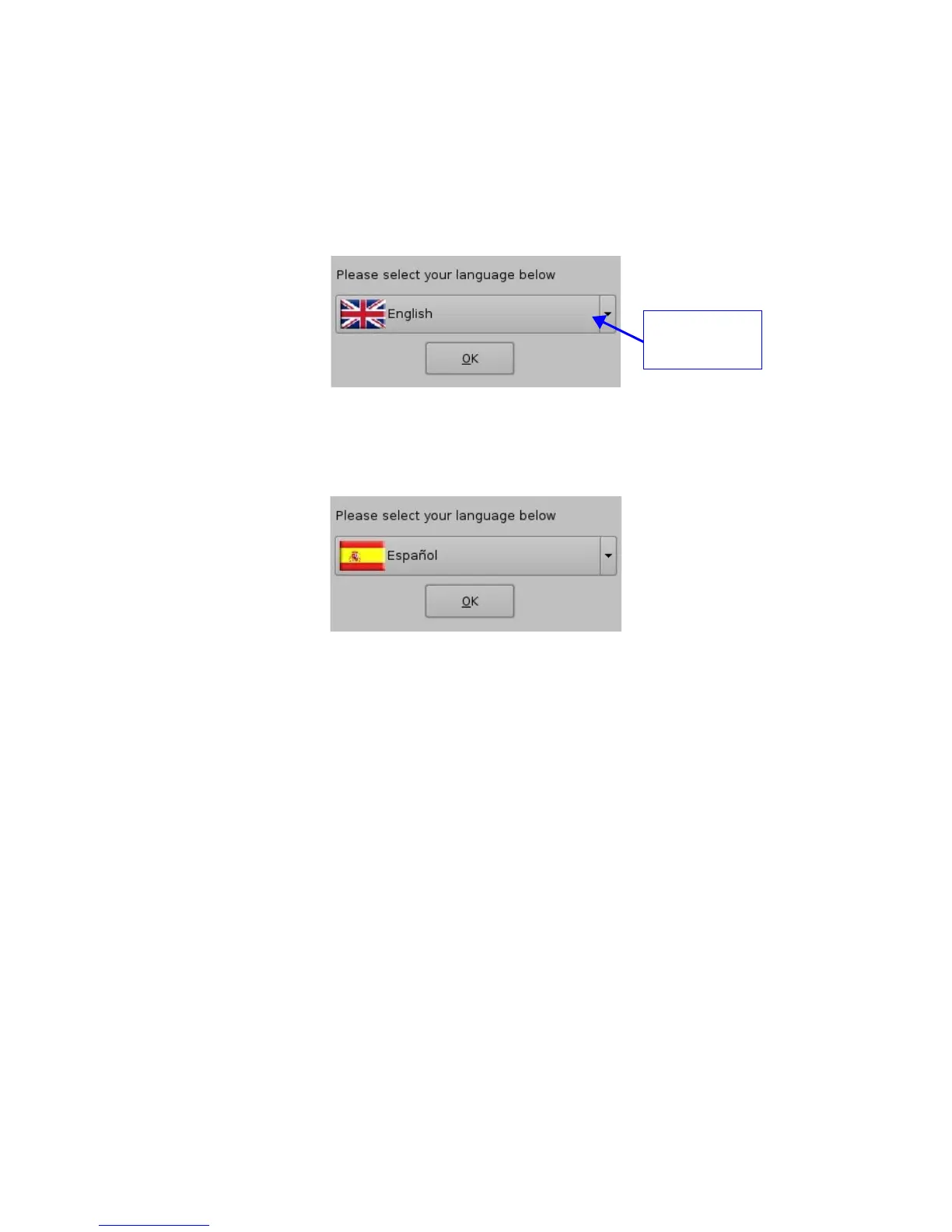
• The following “Language Set up” window will appear:
Figure 62: Language Set up Window - English
• Use the list-box to choose desired language, for example, “Espanol” (see Figure 64
below)
Figure 63: Language Setup Window - Espanol
• The available languages are the following:
• Arabic
• Spanish (Espanol)
• French
• Japanese
• Norwegian
• Polish
• Portuguese
• Russian
• Chinese
• Taiwanese
• Click the “OK” button when finished selecting language
• The ShowVault language should be updated accordingly, as illustrated in the CineLister
GUI shown below:
_____________________________________________________________________________________
SHV.OM.001293.DRM Page 54 Version 1.3
Doremi Cinema LLC Confidential
Language



 To Next Page