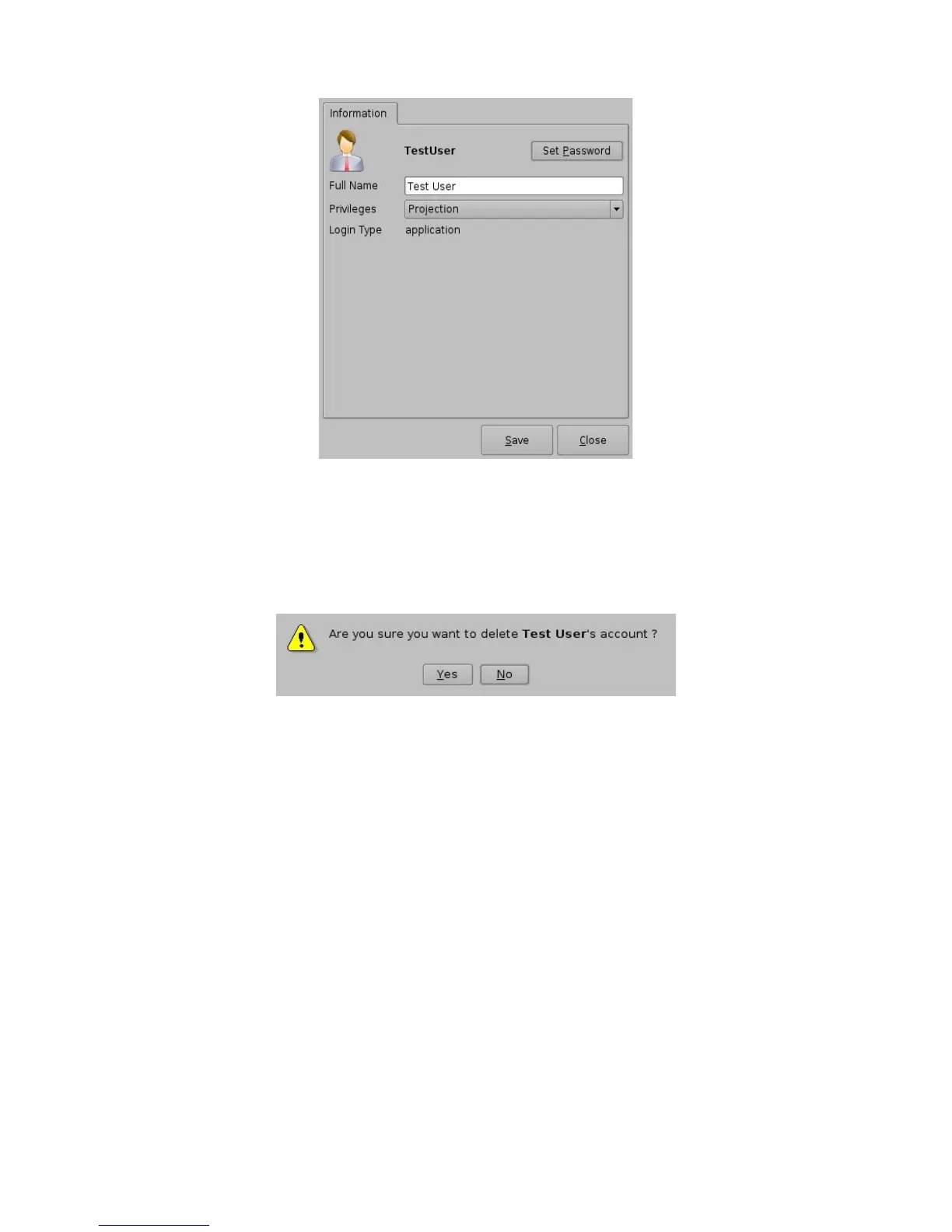
Figure 60: Account Manager GUI – User Properties Editing
• To delete an existing user account select it within the main "Account Manager" GUI and
click the “Delete” button
• User will be asked for a confirmation, clicking “Yes” will delete the user account
Figure 61: User Account Deletion Confirmation
_____________________________________________________________________________________
SHV.OM.001293.DRM Page 53 Version 1.3
Doremi Cinema LLC Confidential



 To Next Page