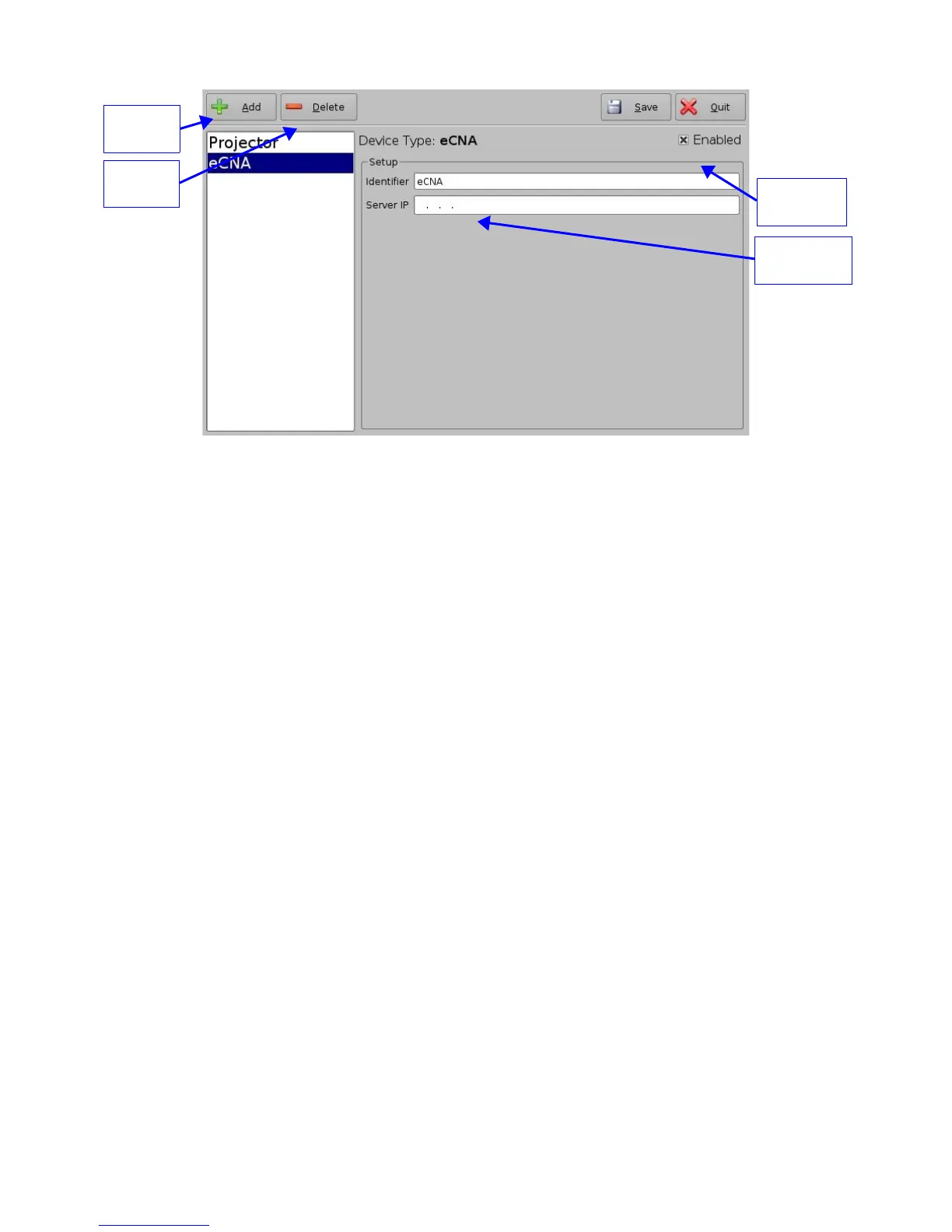
Figure 23: Device Manager GUI – eCNA Device Setup
• The “Enabled” field must be checked in the top-right corner of the GUI
• Click the “Save” button to record the settings
• A window asking for the password will appear
• Enter the password to save settings and proceed
5.2.1.2 eCNA Device Removal
• To remove the eCNA device select it in the left pane of the "Device Manager" and click
the “Delete” button (see Figure 23 above)
5.2.2 JNior Device
5.2.2.1 JNior Device Addition
• To use the JNior device click the “Add” button and select “JNior”
• The "JNior" device setting window will be displayed within the "Device Manager" as
presented below:
_____________________________________________________________________________________
SHV.OM.001293.DRM Page 27 Version 1.3
Doremi Cinema LLC Confidential
eCNA IP
address field
“Add”
button
“Enabled”
checked
“Delete”
button



 To Next Page