8.4 Live Manager
The Live Manager GUI allows the user to generate a CPL (Composition Playlist) that will display
a live event when inserted in the Show Playlist using the CineLister application
• To access the "Live Manager" GUI double-click the “Live Manager” icon within the
Control Panel GUI.
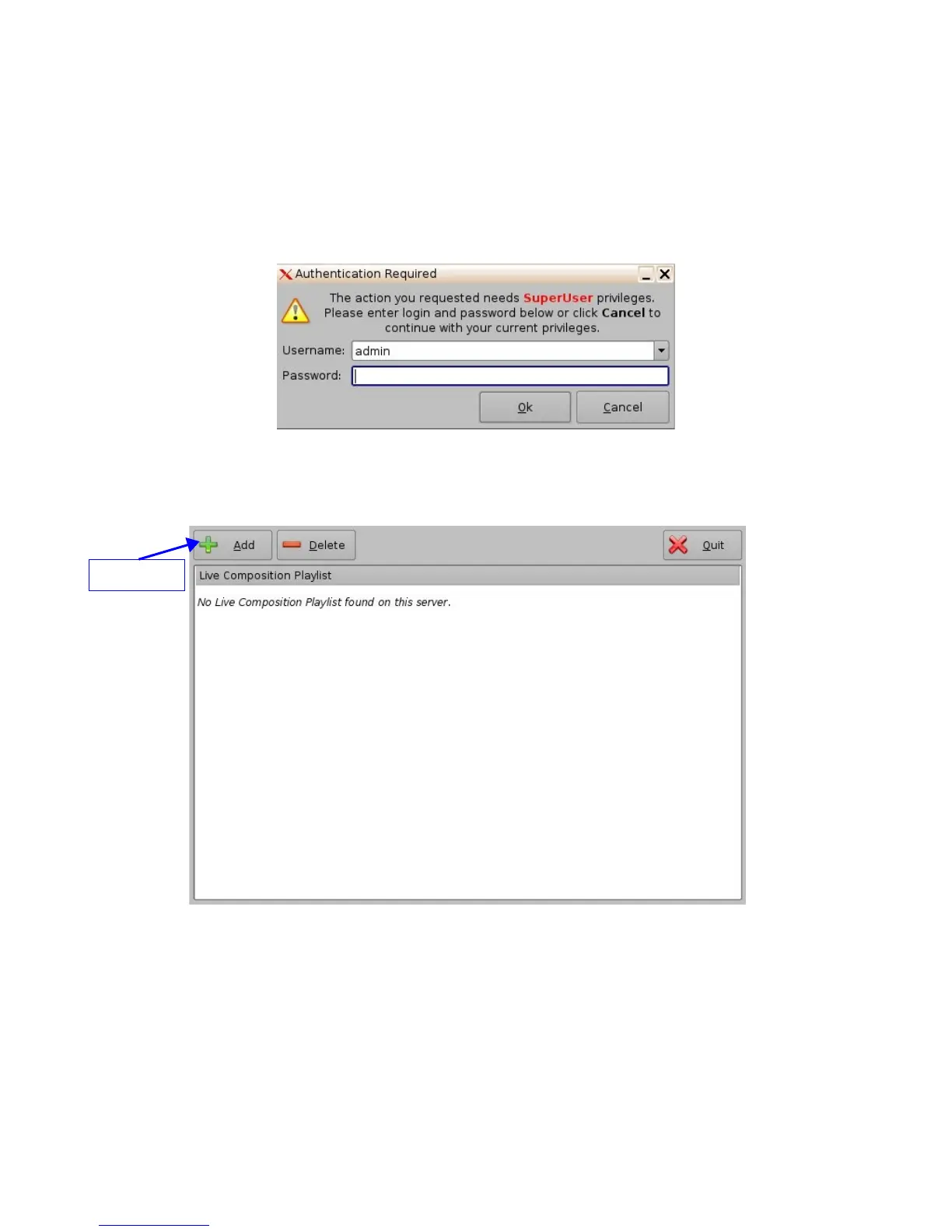
• User will be asked for a password.
Figure 68: Live Manager GUI
• The following window will appear:
Figure 69: Live Manager GUI
• To create a CPL allowing a live event click the “Add” button
• The following wizard window will appear:
_____________________________________________________________________________________
SHV.OM.001293.DRM Page 58 Version 1.3
Doremi Cinema LLC Confidential
"Add" Button



 To Next Page