1.4 Drives Insertion
1.4.1 General Rules
• In all cases do not insert or remove drives if the unit is powered on.
• Drives are preferably to be of the same make and model, and have the same capacity.
• Doremi prohibits mixing SATA I drives with SATA II drives within the same RAID.
1.4.2 HDDs Shipment
• Hard disk drives (HDDs) might be shipped out of the chassis. In this case, insert them in
before plugging in the power cables according to the procedure presented below:
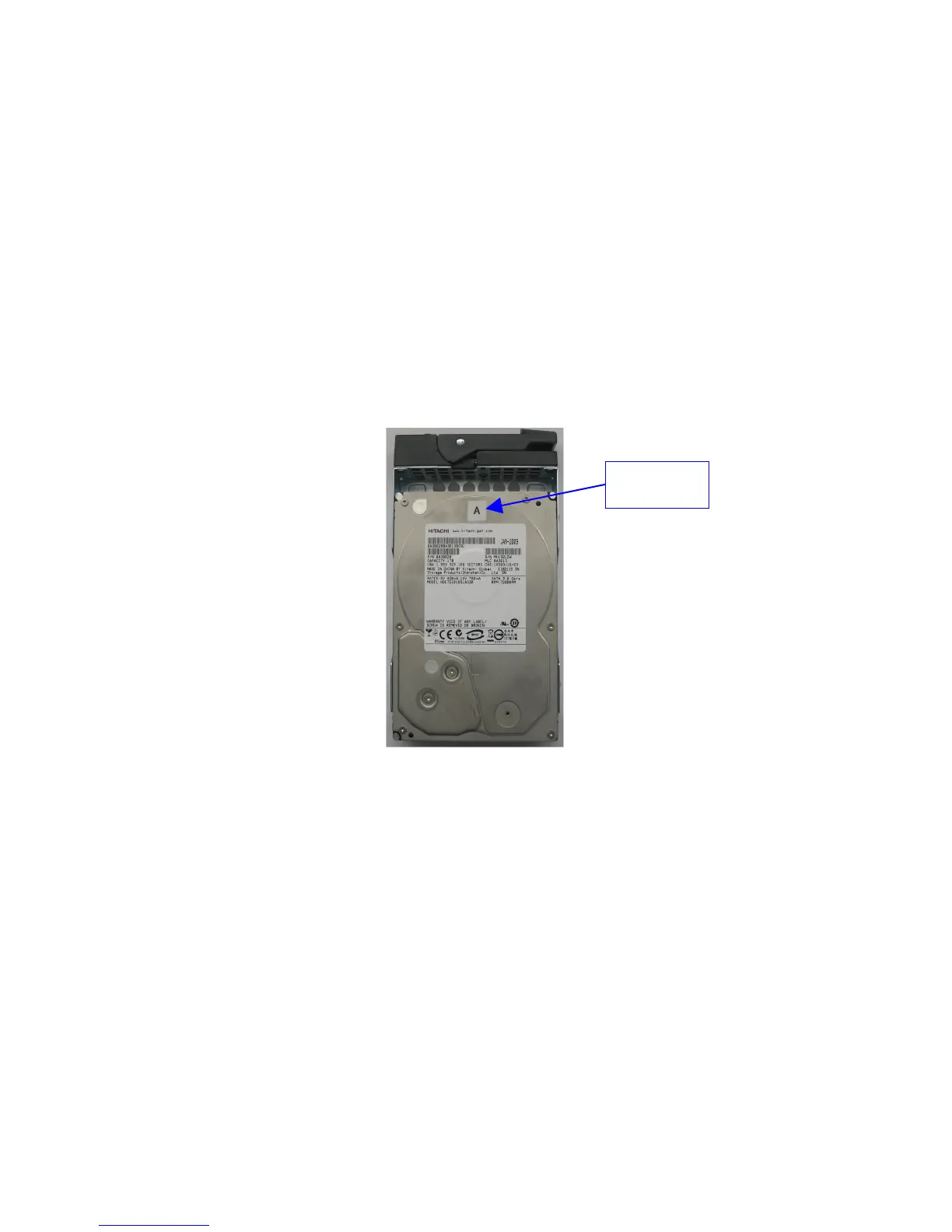
• Identify the label written on each HDD.
• There will be one HDD with "A", one HDD with "B", and one HDD with "C" written on
them (see Figure 1 below) .
Figure 1: HDD Label Location With “A” Label
• For each HDD press on the blue button located on its front side in order to release the
gray handle.
• Open the gray handle all the way until it clicks (see Figure 2 below).
_____________________________________________________________________________________
SHV.OM.001293.DRM Page 12 Version 1.3
Doremi Cinema LLC Confidential
HDD Label
Location



 To Next Page