9 ShowVault Software and Firmware USB Upgrade
Instructions
9.1 Displaying the Software and Firmware Versions
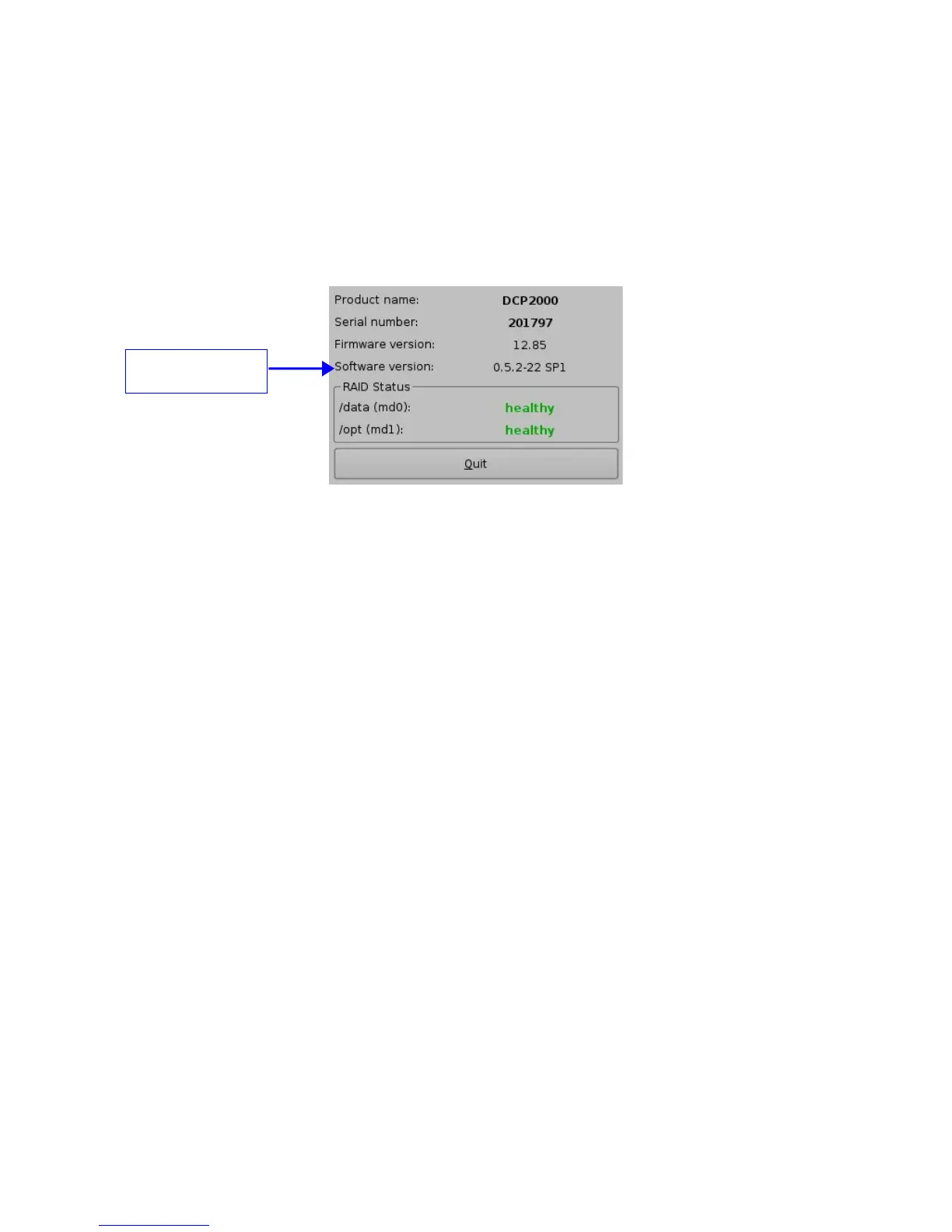
• To display the software version of the ShowVault go to the “Menu → Doremi Labs, Inc.
→ About” menu of the ShowVault.
• The following window will appear on the screen:
Figure 75: “About” Window Software/Firmware Versions
9.2 Updating the Software and Firmware via USB
If the user is unsure about the current software/firmware revisions, contact Doremi Technical
Support for information and downloading instructions. Once the update is downloaded it can be
ingested through the Ingest GUI from a USB drive.
• Transfer the update file to a USB drive.
• Plug the USB drive into the ShowVault.
• Wait for the graphical user interface to appear on the screen as presented below:
_____________________________________________________________________________________
SHV.OM.001293.DRM Page 62 Version 1.3
Doremi Cinema LLC Confidential
ShowVault software
version



 To Next Page