5 Device Manager Set Up
The "Device Manager" is a graphical user interface (GUI) used to set up the connection
between a ShowVault and cinema projector(s). It also provides for the use of Ethernet
commands for the control of theater automation devices.
• To run the Device Manager go to “Menu → Doremi Apps. → Device Manager”
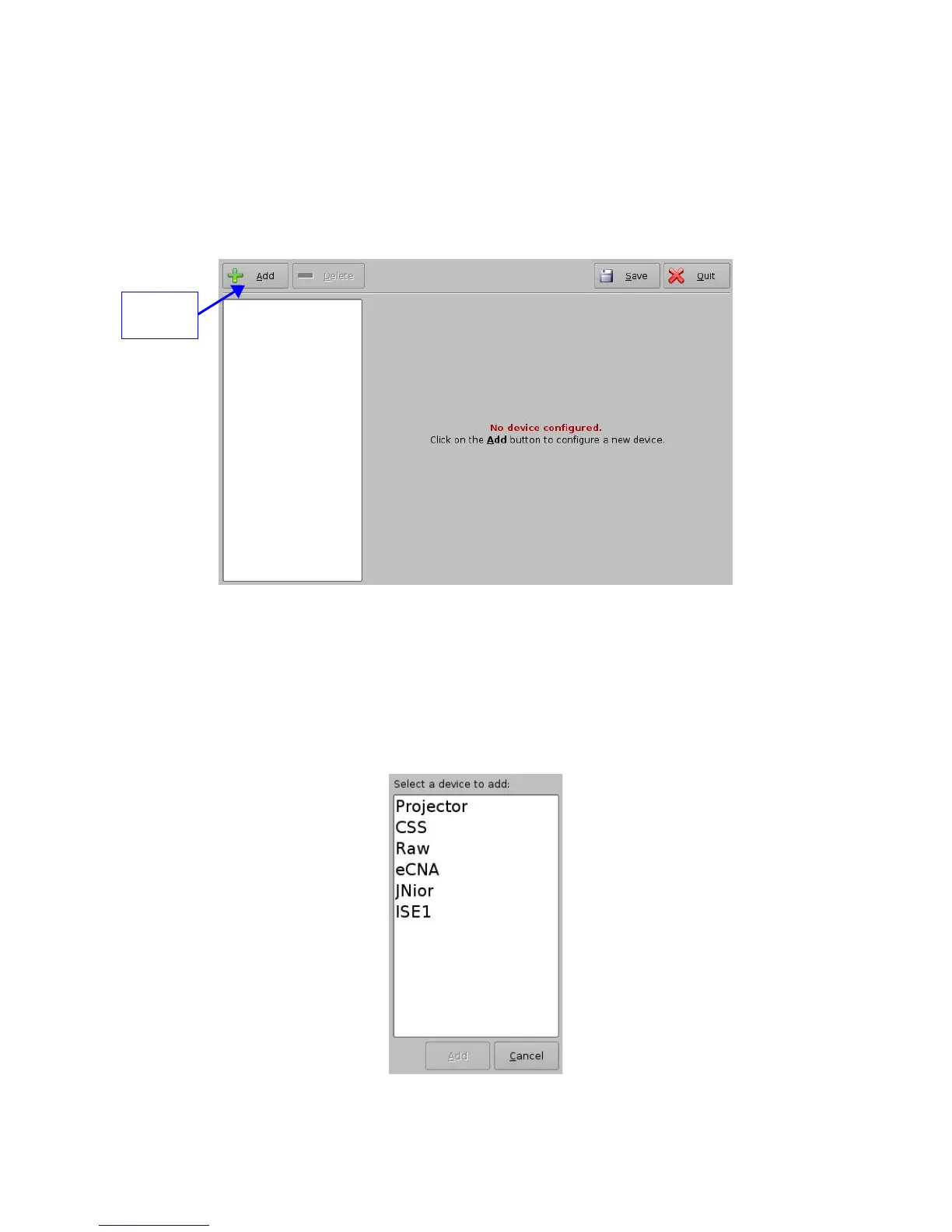
• The following window will appear on the screen:
Figure 19: Device Manager Graphical User Interface (GUI)
5.1 Projector Management
5.1.1 Adding a Projector
• To connect a projector to the ShowVault click the “Add” button (see Figure 19 above)
• The following window will appear:
Figure 20: Device Manager GUI – Device Selection Window
_____________________________________________________________________________________
SHV.OM.001293.DRM Page 24 Version 1.3
Doremi Cinema LLC Confidential
“Add”
button



 To Next Page