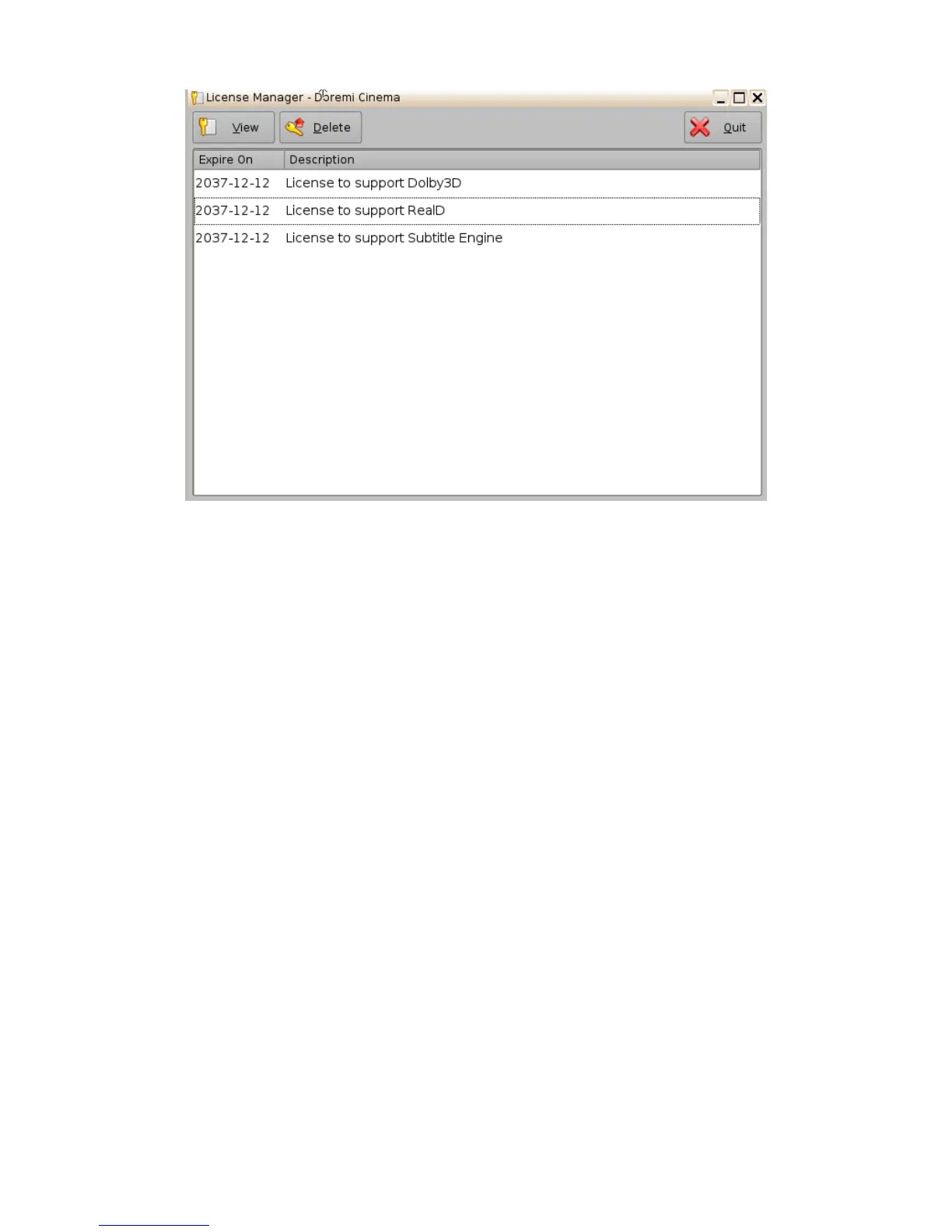
Figure 67: License Manager GUI – Three Licenses Added
• To view the details of an available license select it and click the “View” button
• The "License Information" window will appear providing the validity window of the license
• To delete a license from the ShowVault select it within the "License Manager" GUI and
click the “Delete” button
• After ingesting a license, the associated device (e.g. “Subtitle Engine”, “Dolby DFC 100”)
will be visible through the "Device Manager" GUI. See Section 14 for details about the
Device Manager configurations.
_____________________________________________________________________________________
SHV.OM.001293.DRM Page 57 Version 1.3
Doremi Cinema LLC Confidential



 To Next Page