• HDD: Red LED light indicate access to the Hard Disk Drives.
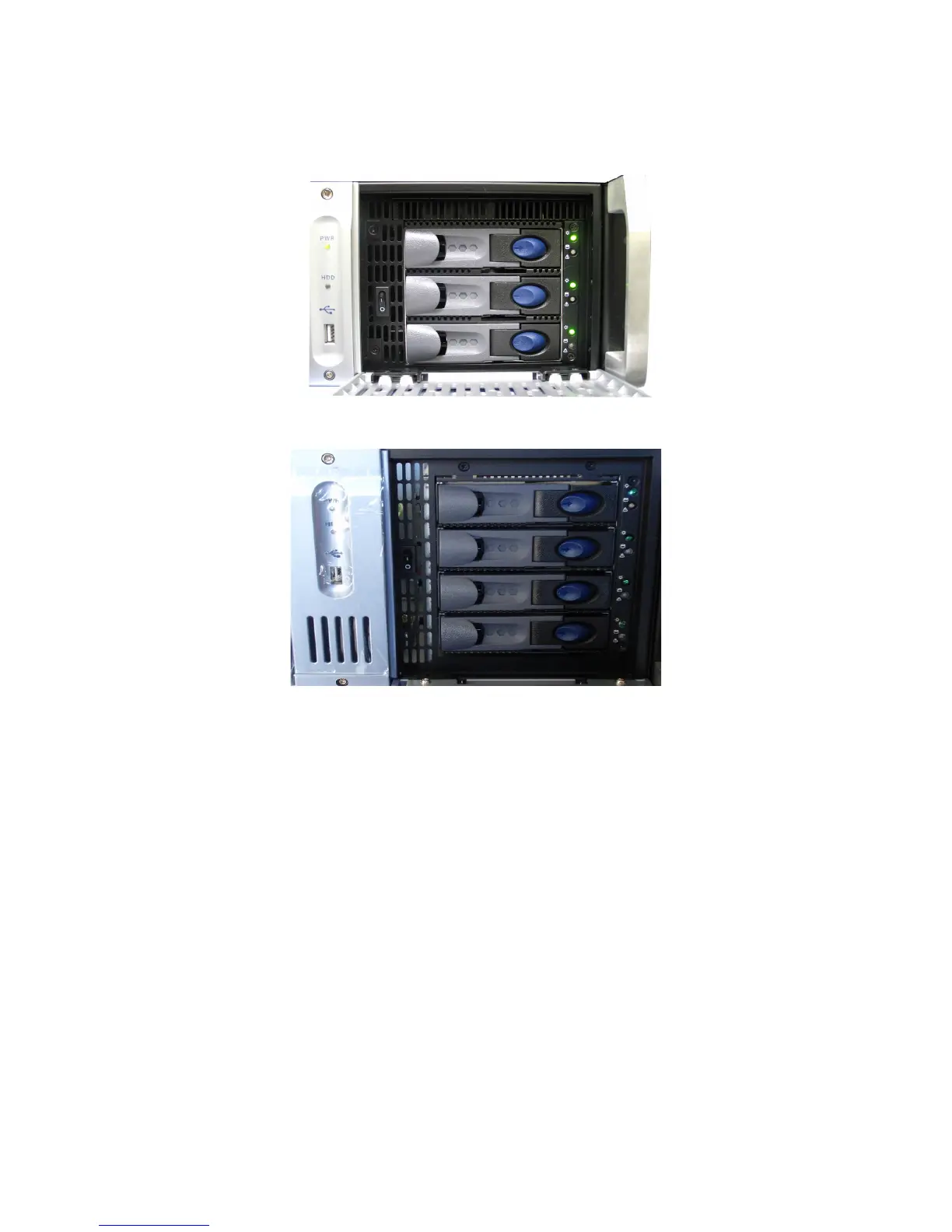
• The door on the right on both types of units (3RU and 4RU) covers the "POWER" switch
and the three hard disks that make up the RAID5 storage.
Figure 7: ShowVault (3RU) Silver Front Panel Right Door Opened
Figure 8: ShowVault (4RU) Blue Front Panel Right Door Opened
• Each hard disk drive has a blue button that allows removal of the drive from the chassis.
• Be careful not to remove the hard disk drive when the ShowVault is running.
• There is one USB 2.0 connector on the center of the front panel that can accommodate
an external hard drive as well as a mouse or keyboard.
• The left side of the front panel contains an LCD screen (3RU only).
_____________________________________________________________________________________
SHV.OM.001293.DRM Page 16 Version 1.3
Doremi Cinema LLC Confidential



 To Next Page