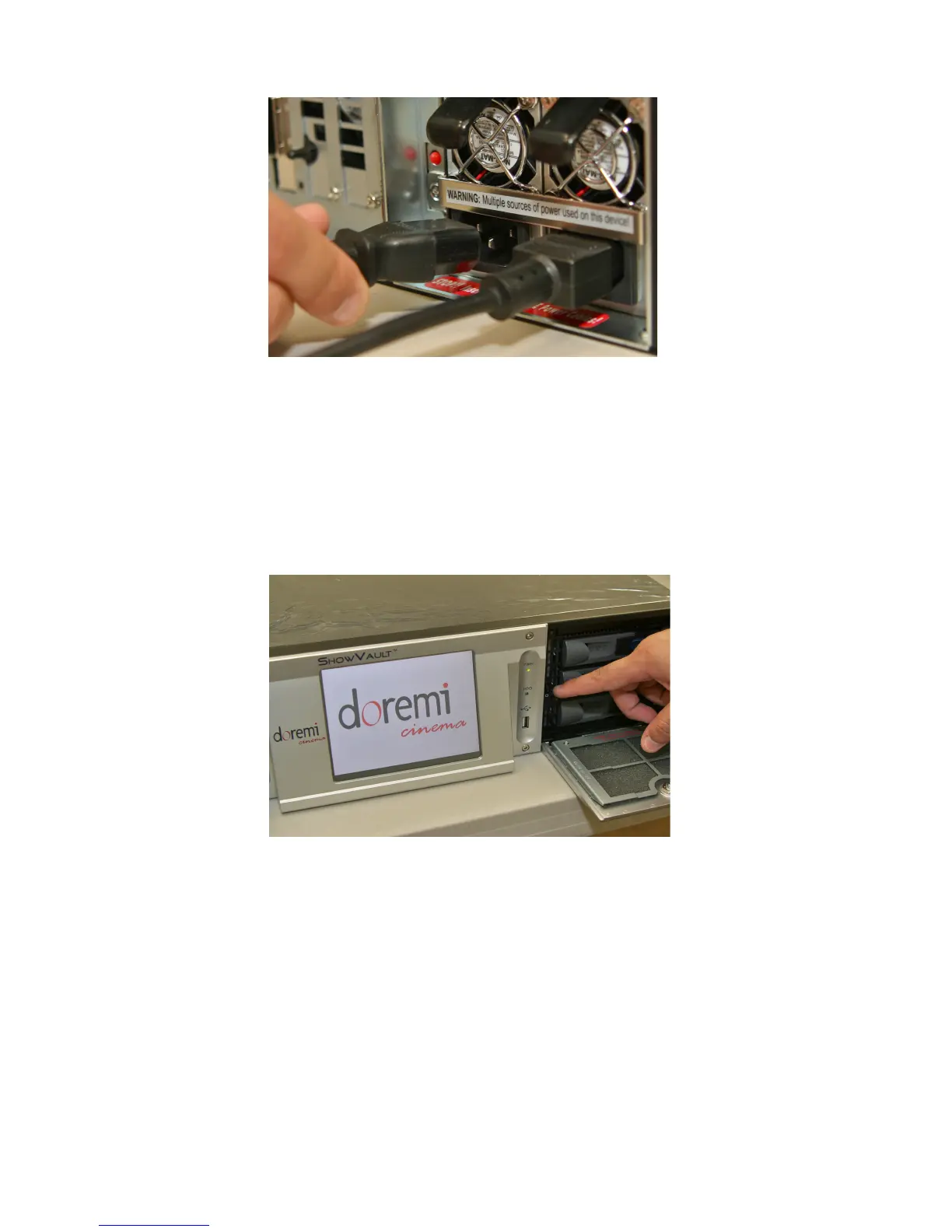
Figure 99: Power Cables Connected to ShowVault
• Plug the power cables for the Barco projector into a reliable power source
• Power on the projector and wait for the IMB board to properly boot (approximately two
minutes)
• Power on the ShowVault by pressing the power button (see below)
Figure 100: Power Button on the ShowVault
• Once the ShowVault is properly booted up click on "Diagnostic Tool" by clicking "Menu
→ Doremi Apps. → Diagnostic Tool".
• Confirm that the following parameters are present: Serial Number, Firmware Version,
and SM Version (see below).
_____________________________________________________________________________________
SHV.OM.001293.DRM Page 99 Version 1.3
Doremi Cinema LLC Confidential



 To Next Page